
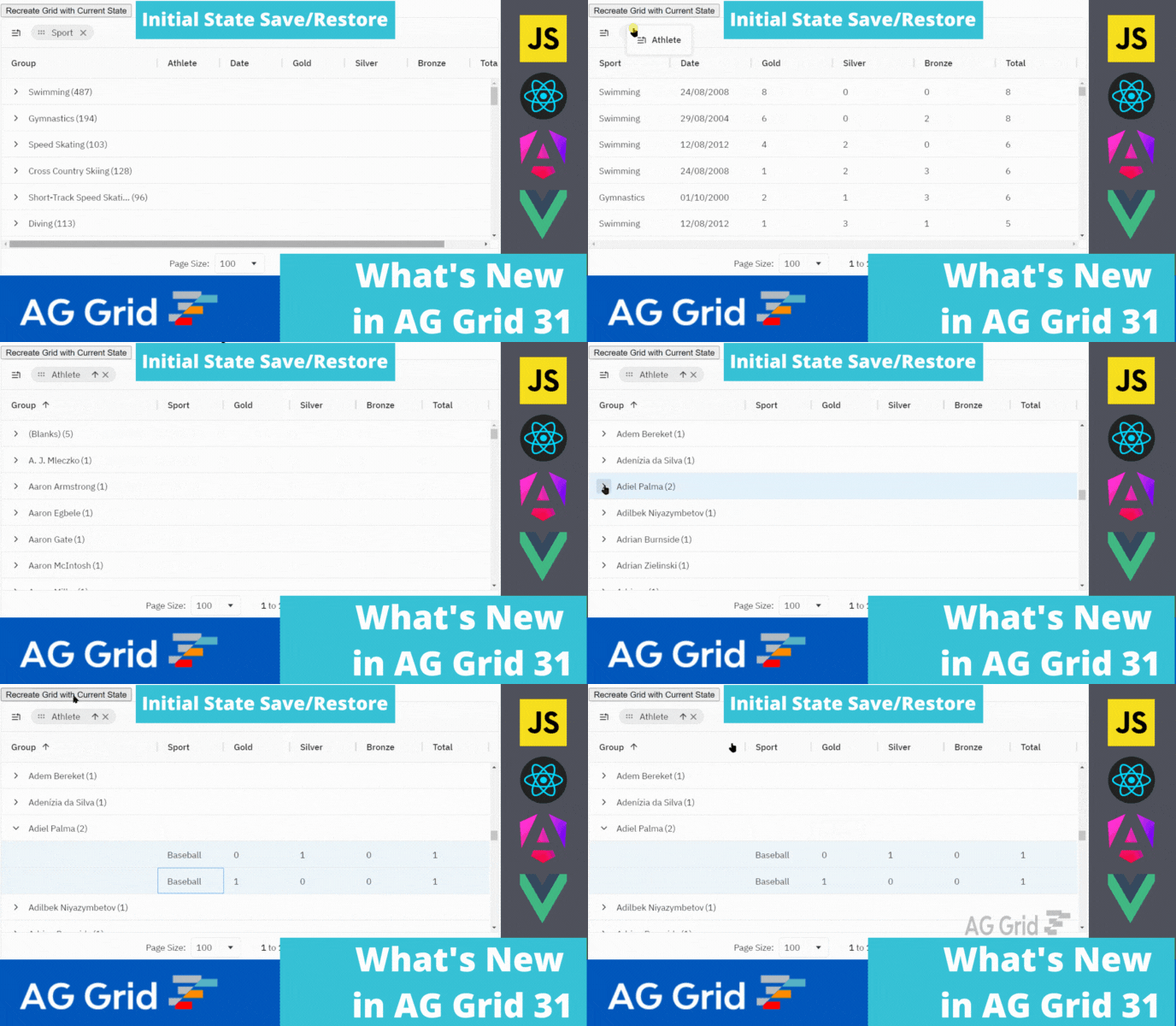
AG Grid 31 is an important major version, which adds many new features across the grid together with improvements to developer experience, theming, accessibility and performance:
1. Save/Restore the initial grid state as a single object
2. New Quartz Theme
3. Accessibility - Column Header resizing and moving via keyboard
4. Prevent Group Column Reordering and Removal
5. Pagination Panel Page Size Selector
Please note that AG Grid 31 has breaking changes from AG Grid 30.X. We're providing Codemods to help you upgrade by automating the migration process as much as possible. Please review the migration guide when planning to update to this version.
Save and Restore the Initial Grid State
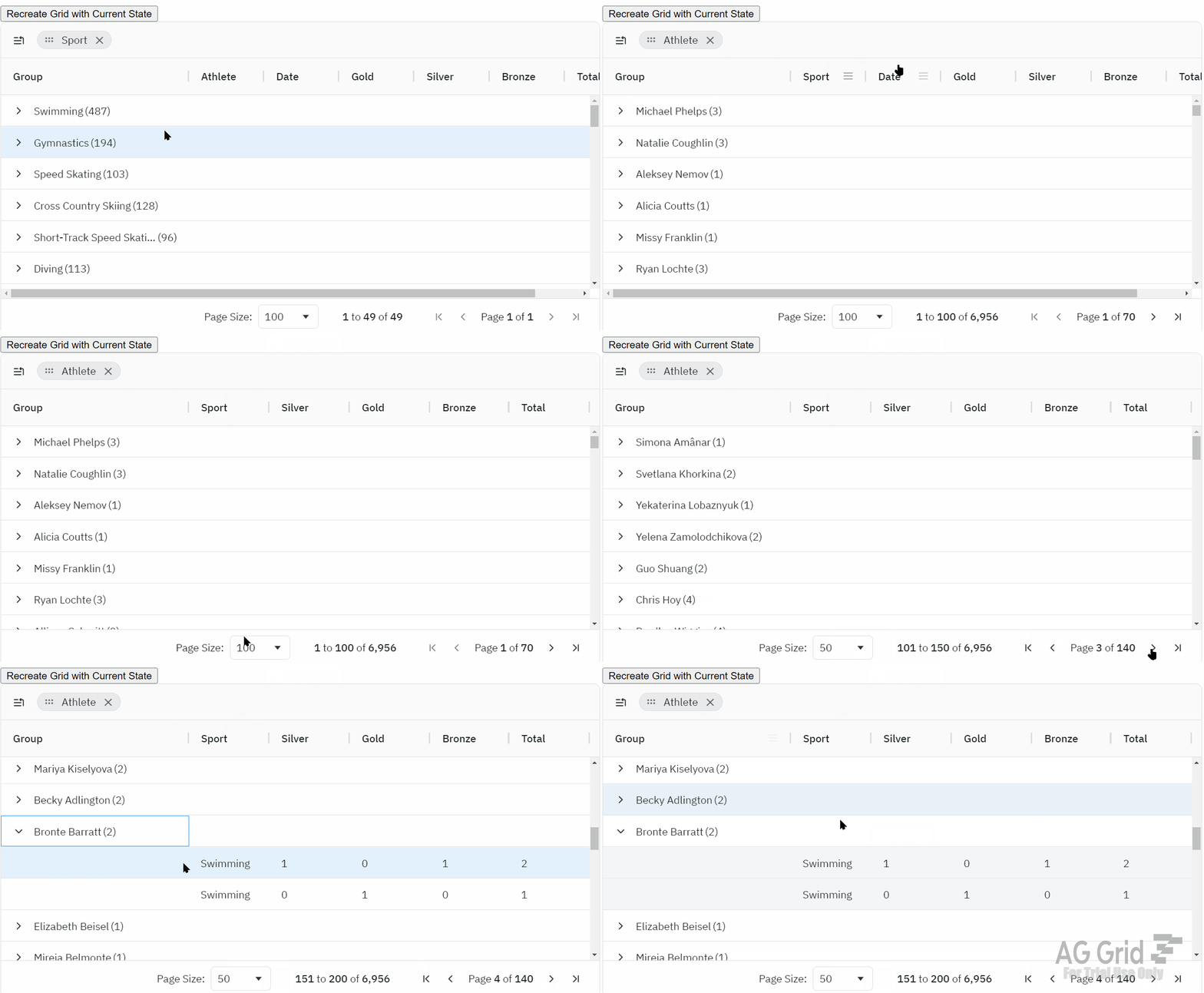
AG Grid 31 allows you to easily save and restore the grid state via a single state object. This single grid state object keeps the state of columns, row selection, group row expanded status, scrollbars, etc. This helps you recreate the grid exactly as the user left it. You can see this documented here and demonstrated below:
New Theme - Quartz and Automatic Switching Light/Dark Themes
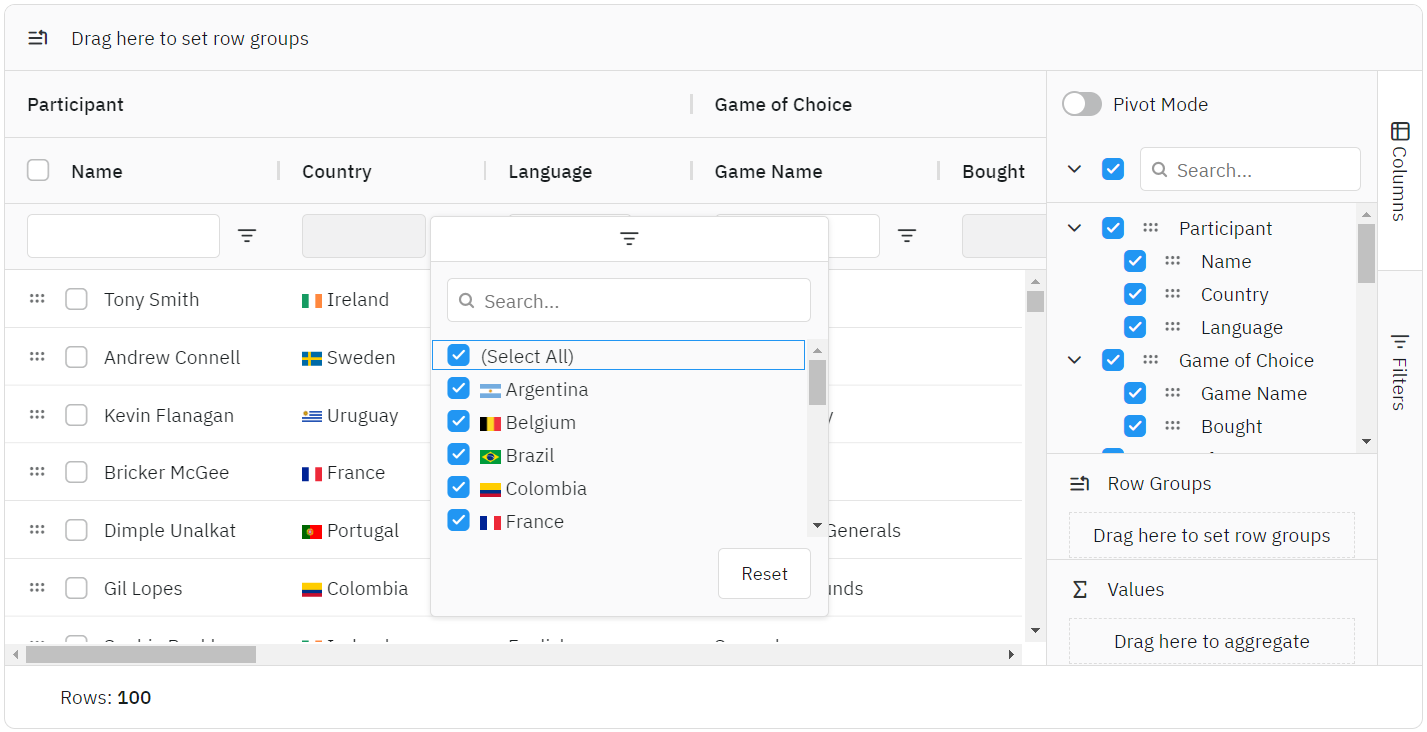
AG Grid 31 introduces the Quartz theme, which features updated typography and icons to provide a modern and uncluttered feel.
Also, all grid themes now have an auto version which uses the prefers-color-scheme CSS media feature to switch between dark and light variants depending on whether the user has enabled dark mode on their operating system. Please see this documented here and illustrated below:
Column Header Resizing and Moving via Keyboard
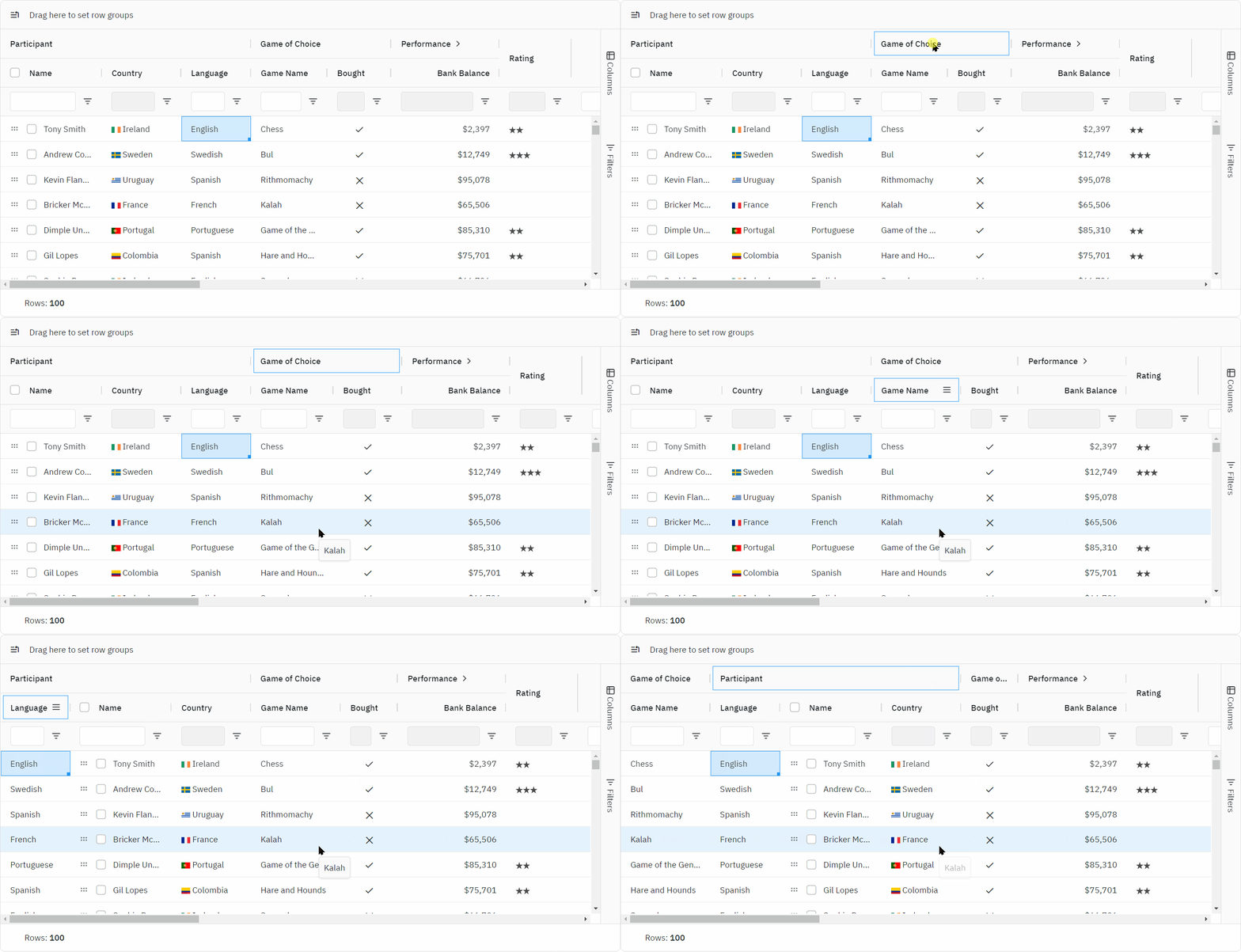
AG Grid 31 improves accessibility support by allowing keyboard users to resize columns via Alt+Left/Right Arrow keys and reorder columns via Shift+Left/Right Arrow keys. There are also many other accessibility-related improvements. See the column resizing and moving documented here and demonstrated below:
Prevent Group Column Reordering and Removal
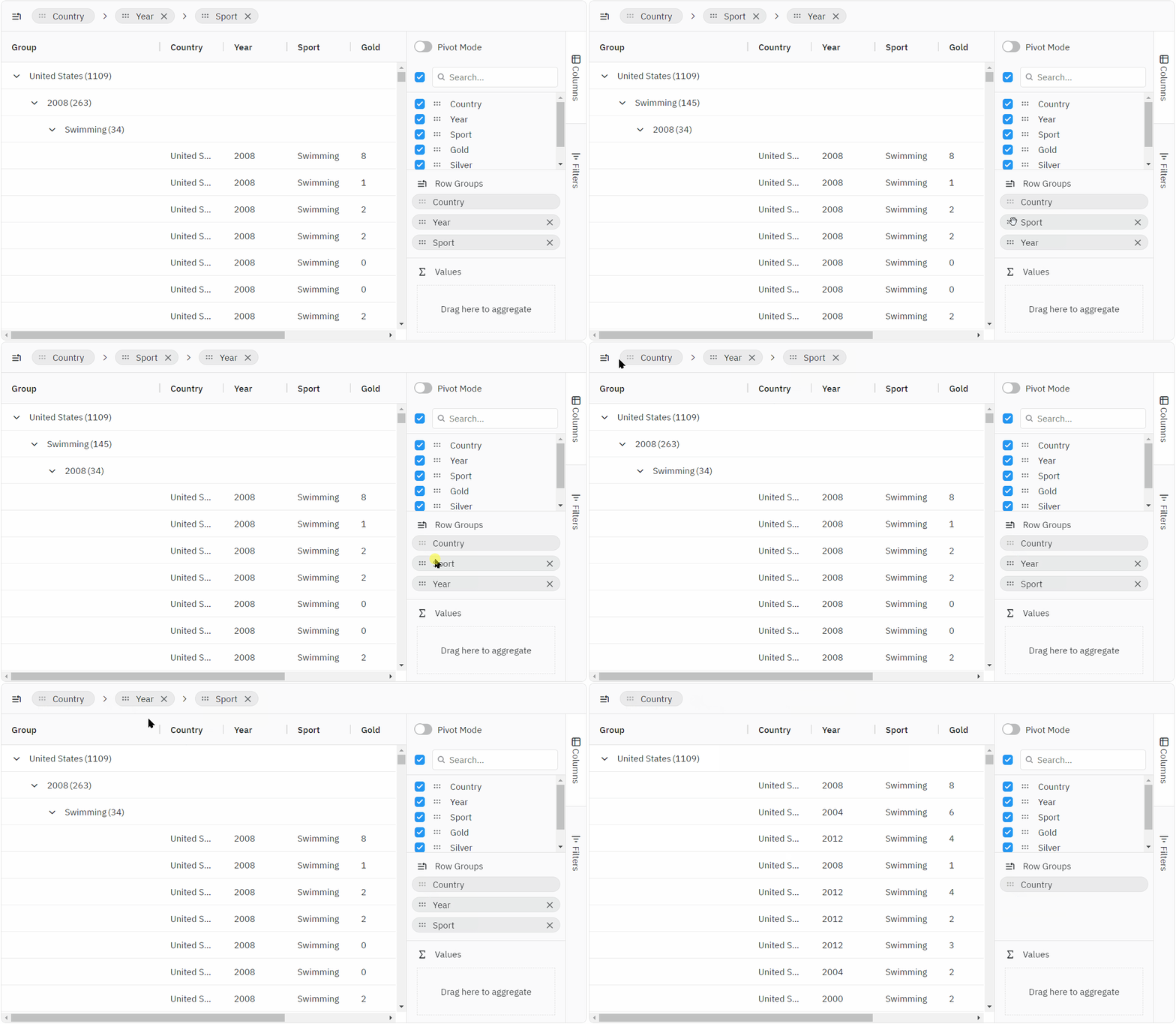
AG Grid 31 allows locking Group Columns, which prevents users from ungrouping or reordering group columns via any means a specified number of group columns. Learn more about this new feature here and see it demonstrated below:
Pagination Panel Page Size Selector
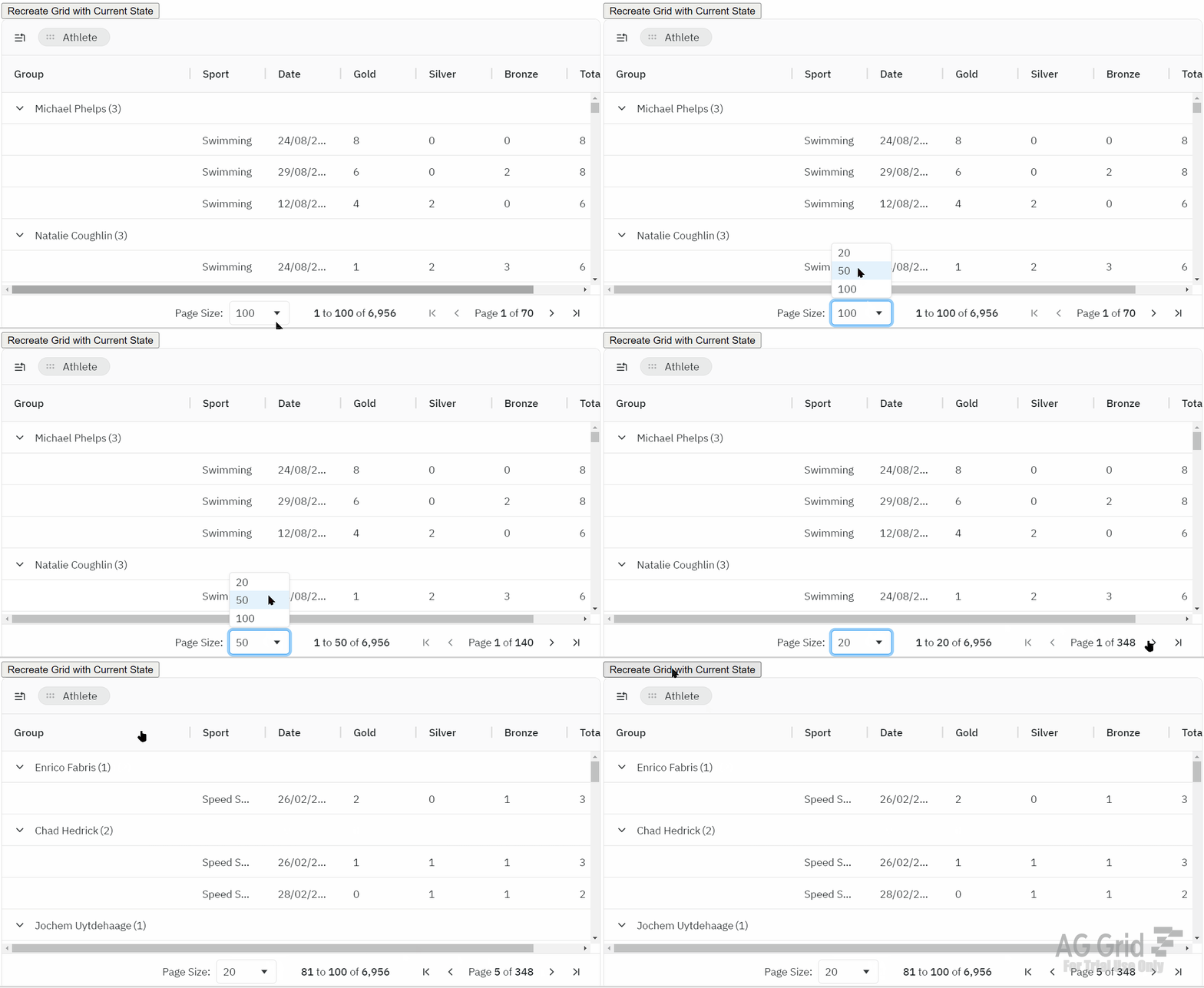
AG Grid now supports changing the page size directly via a page size selector which is displayed in the pagination panel when Row Pagination is enabled. The page size and current page index are saved by the grid state and can easily be restored as part of the initial state, as shown below. Learn more about this new feature here:
Summary
AG Grid 31 is a milestone version - it includes many end-user features across the grid together with big improvements in developer experience, theming, accessibility and quality.
We suggest reviewing the migration guide when planning to upgrade and seeing the full list of changes in our Changelog.
As always, we’re keen to help you upgrade and to hear your feedback.
Happy coding!