
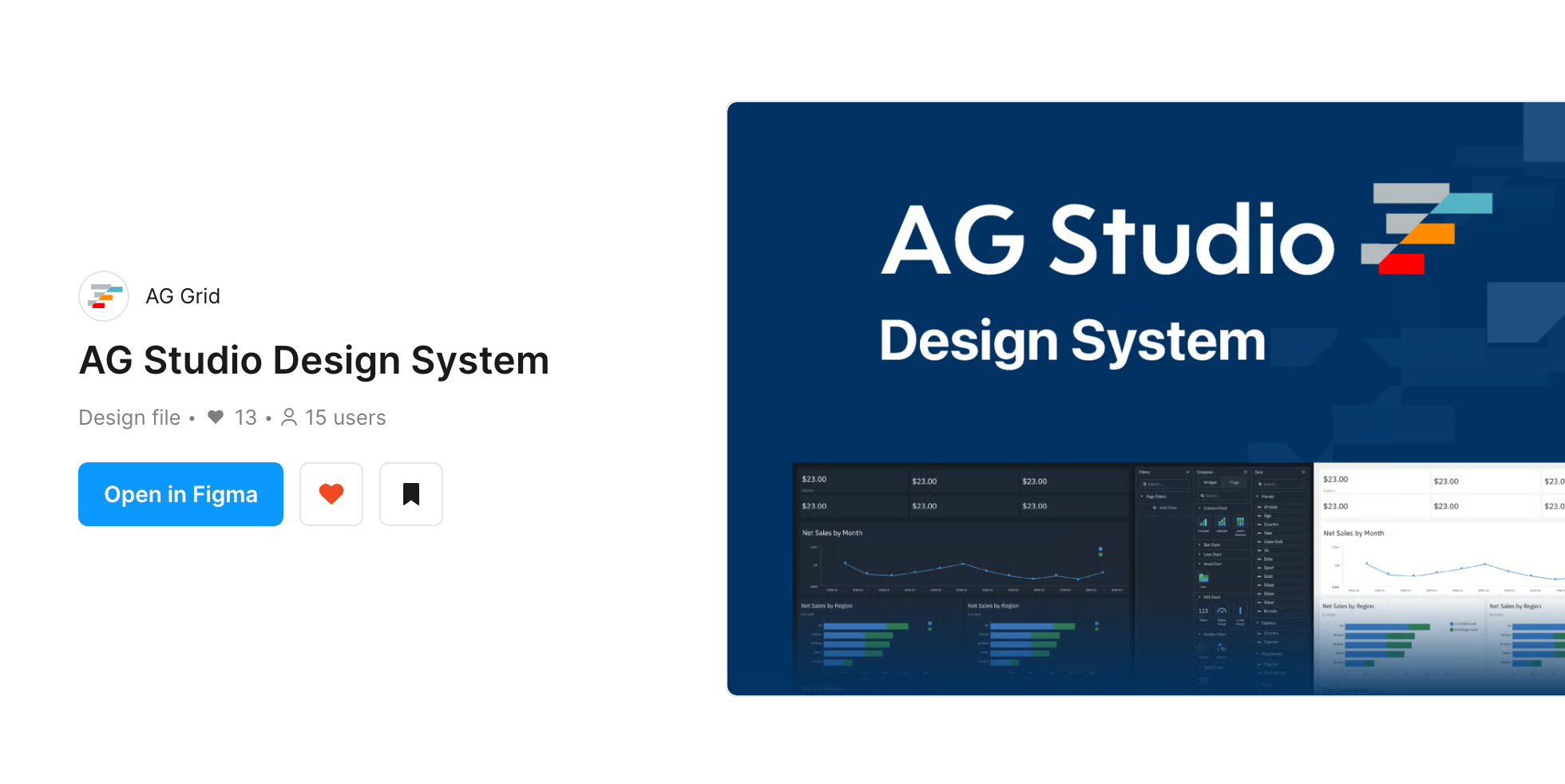
If you’re a designer working with AG Studio, this one's for you. The new AG Studio Figma Design System is live on the Figma Community today.
Our AG Grid Figma Design System has become a go-to tool for designers who want to prototype data-heavy apps and build custom AG Grid themes all within Figma. AG Studio Figma Design System builds on everything we've learned since.
Design for AG Studio right in Figma
Our AG Studio Design System Figma community file is fully built out and ready to use with AG Studio components. We supply the core components to match what you get in the AG Studio library. What you design in Figma is a 1-to-1 match for what your developers will be building.
It ships with our light and dark default themes, available as local variable “modes” for easy switching.
Who is it for?
The design system is for designers and design systems teams working on AG Studio apps.
We’ve created the Figma file with designer / developer handoff in mind. Our AG Grid design system variables map 1:1 to the Theming API parameters, and we've taken the same approach here. When a designer changes a colour, border or spacing value in Figma, developers can match that up with the same parameter name in code, speeding up theme creation and reducing inconsistencies.
We even supply tools to transform Figma-native variable JSON into real AG Studio JavaScript themes. Read on for more details.
Build your version of AG Studio with slot components
One of the many strengths of AG Studio is the level of customisation we give developers over the UI. Now you can use slot components in Figma to mock up an exact match of your AG Studio UI.
We've used Figma's new slots feature to make our panel and layout components much more flexible. A slot is a placeholder inside a component that you can fill with any content you like, and you don't need to detach the instance to do it.
That means you can use a single panel component to build almost any kind of panel or data setup. Drop in a chart, a grid, a set of filters or whatever your layout needs, and the panel keeps its styling, spacing and theme.
Here's a walkthrough of slot components in action:
Create your own theme
Themes are built with Figma local variables and modes. To create your own:
- Open the Local variables panel.
- Add a new mode by duplicating the default theme you want to start from, and give it a sensible name, e.g. my-theme.
- Change the variables in your new mode to match your brand: colours, borders, radius, fonts and so on.
- Apply your new mode to a frame to see your theme across every component.
As with the AG Grid design system, the variable names line up with AG Studio's theme parameters, so a change in Figma means the same thing in code.
Export your theme to code
Once you're happy with your theme, you can export the variables as JSON and turn them into JavaScript themes ready for your app.
We've updated our AG Grid Figma Design System GitHub repo to support AG Studio too. We supply an example script to convert the exported JSON into theme objects you can plug straight into your AG Studio app. The README explains the full process, from exporting to generating themes.
Try for yourself in Figma now
Working with the AG Studio Design System Figma community file couldn’t be simpler. You can access it in the same way as any Figma community file.
- Head over to the AG Studio Design System page on Figma Community.
- Click Open in Figma to make a copy in your own drafts.
- Drag and drop components from the assets panel into your designs.
All components use the default themes out of the box, so they look right as soon as you drop them onto the canvas.
Support & feedback
We'd love to hear what you think. If you run into problems, have ideas for new components or want to show us what you've built, get in touch with our team via Zendesk. Your feedback shapes what goes into future releases.
What's next?
This is just the start. We've got more Figma goodness in the works for AG Studio and AG Grid, so watch this space.
We'll keep improving the AG Studio Design System with new components and updates, so check back on the Figma Community page regularly.
Ready to get started? Grab the AG Studio Design System and start designing.