Your JavaScript stack just expanded
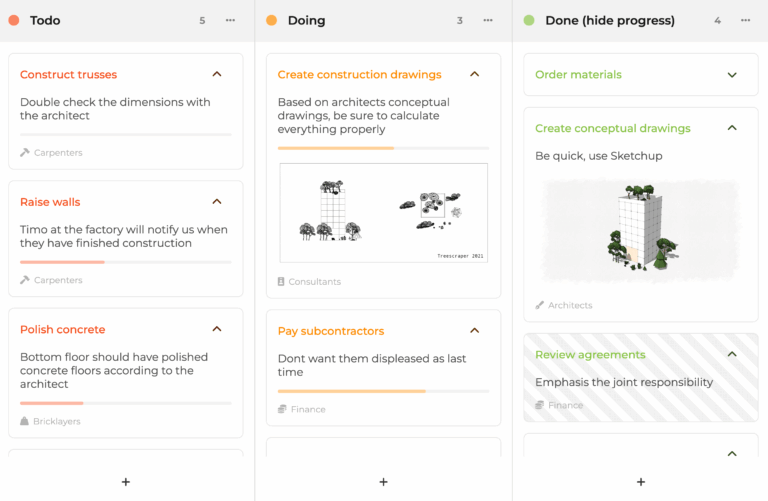
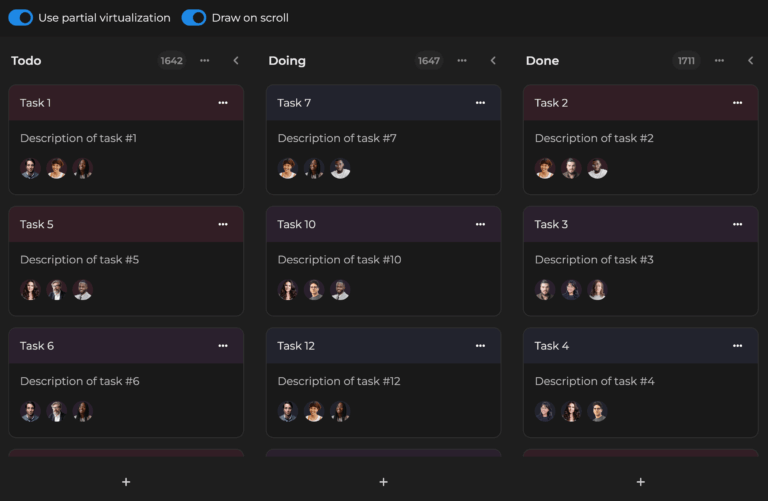
Since our 2025 partnership with Bryntum, Bryntum Task Board sits alongside AG Grid for kanban-style task workflows, crafted by a similar team and held to the same bar.
All the Right Features
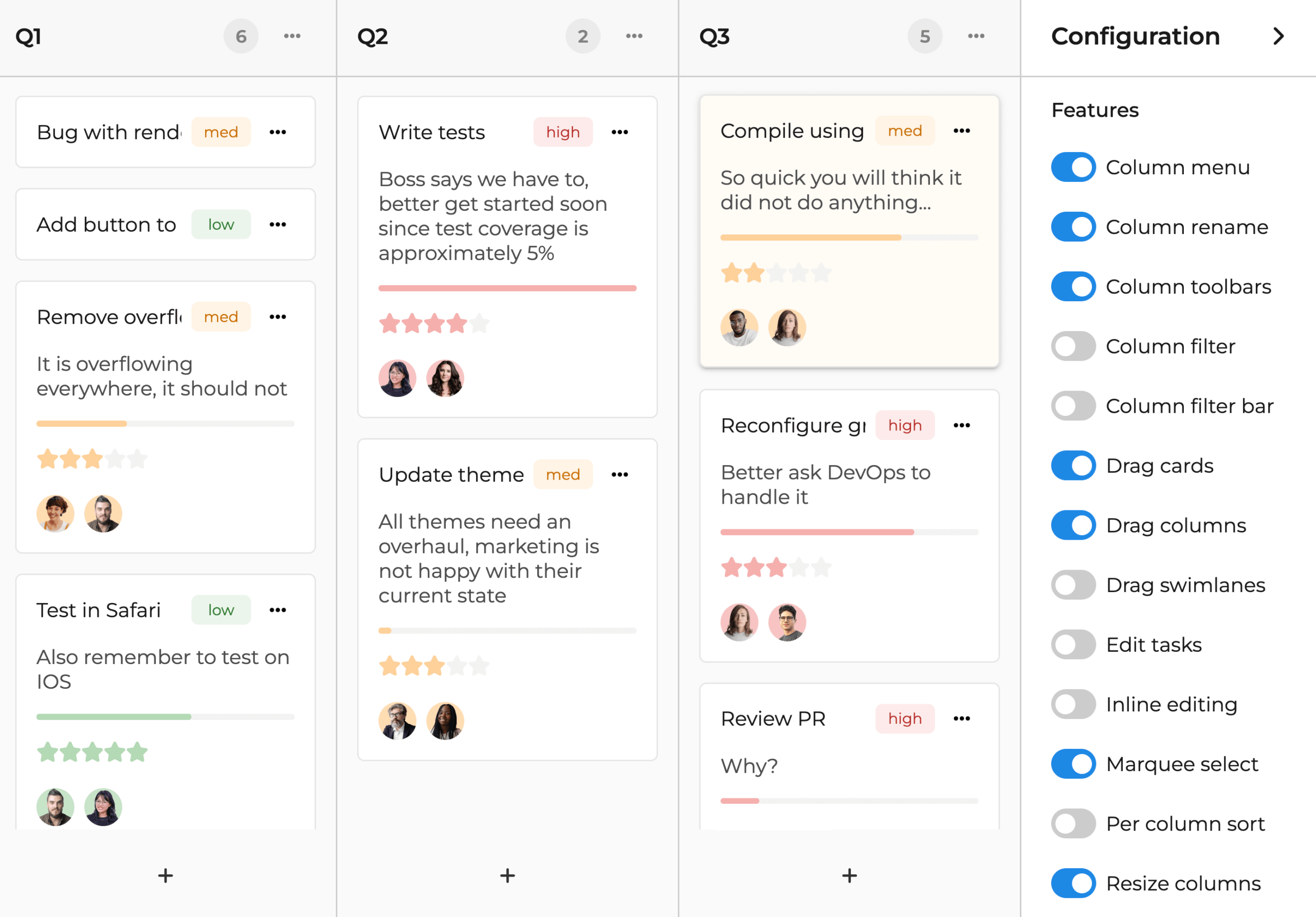
The Bryntum Task Board ships with a set of optional features carefully designed to suit your workflow:
- Tailor the rendering and styling of cards, columns and swimlanes.
- Flip features on or off at runtime via a flexible API.
- Scroll smoothly through huge datasets.
Group Tasks Into Swimlanes and Columns
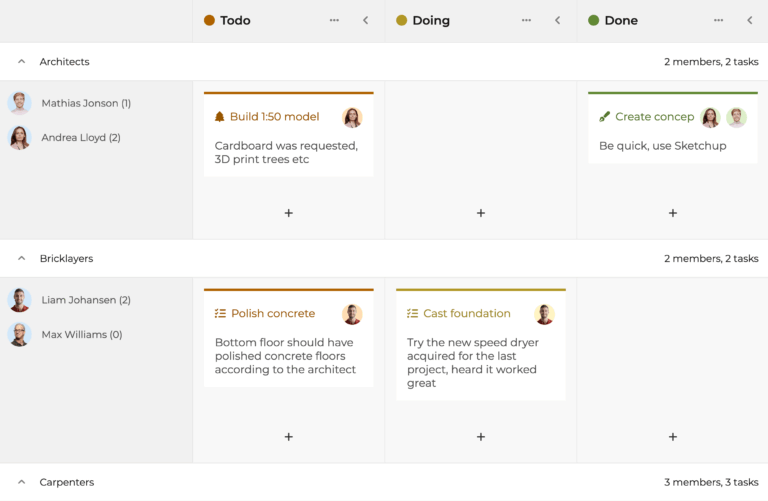
On a busy team? Stay on top of tasks by tailoring your Task Board with swimlanes and any number of columns.
- Pin an important column in place for fast access.
- Tuck away lower-priority tasks by collapsing swimlanes and columns.
- Filter and sort tasks to keep your top priorities in view.
Fully Shape Your Component
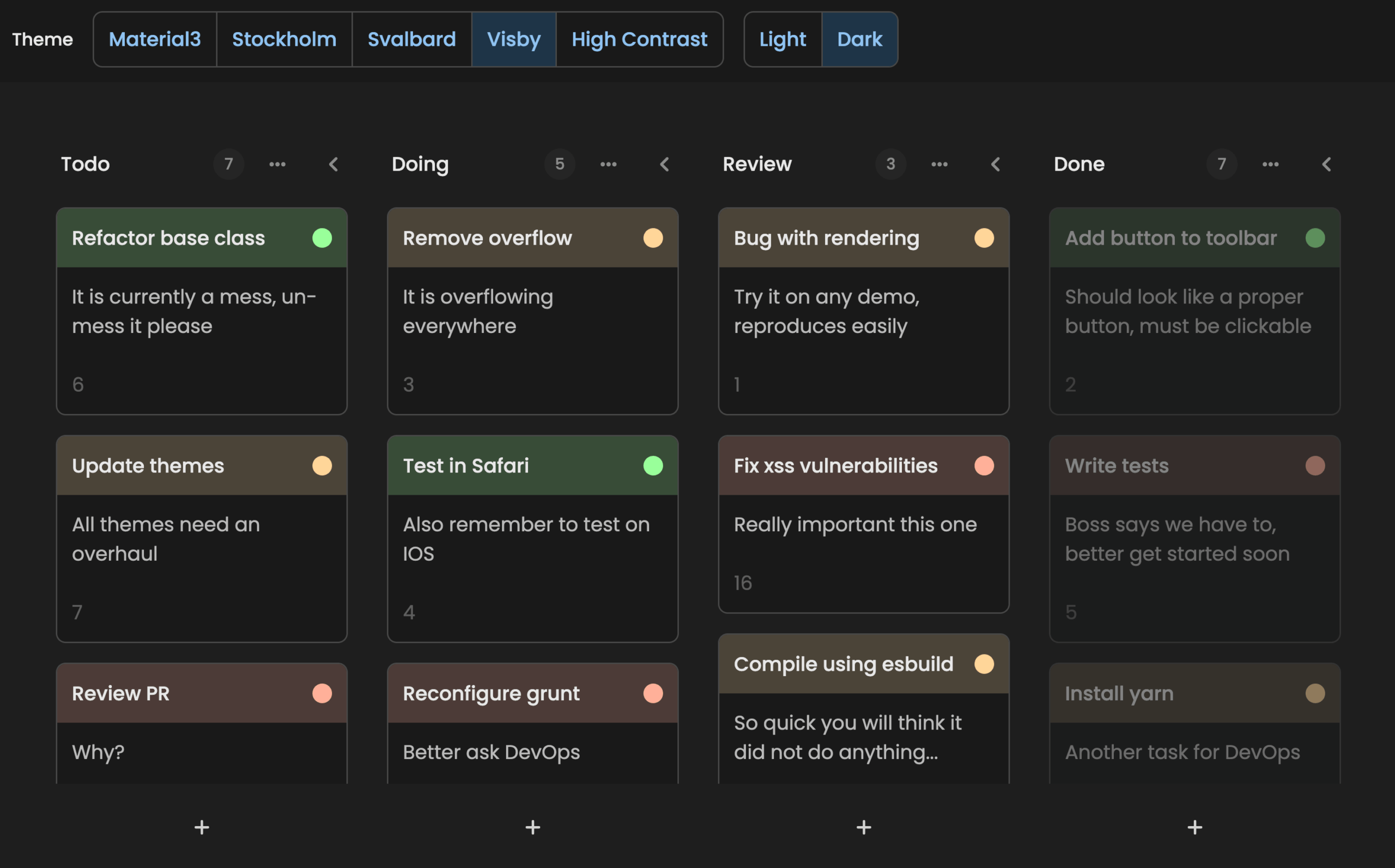
Get creative with the many ways you can style the Task Board:
- Pick from five built-in themes or roll your own using CSS variables.
- Render custom text or markup in cards via the
taskRenderermethod. - Choose which elements appear on each card with
bodyItems. - Drop in icons, tags, images and progress bars with ease.
Have a Play Below
Drag cards between columns, tailor swimlanes and edit task content live. The Bryntum Task Board is fully wired up below.
Lean on Instantly Familiar UX
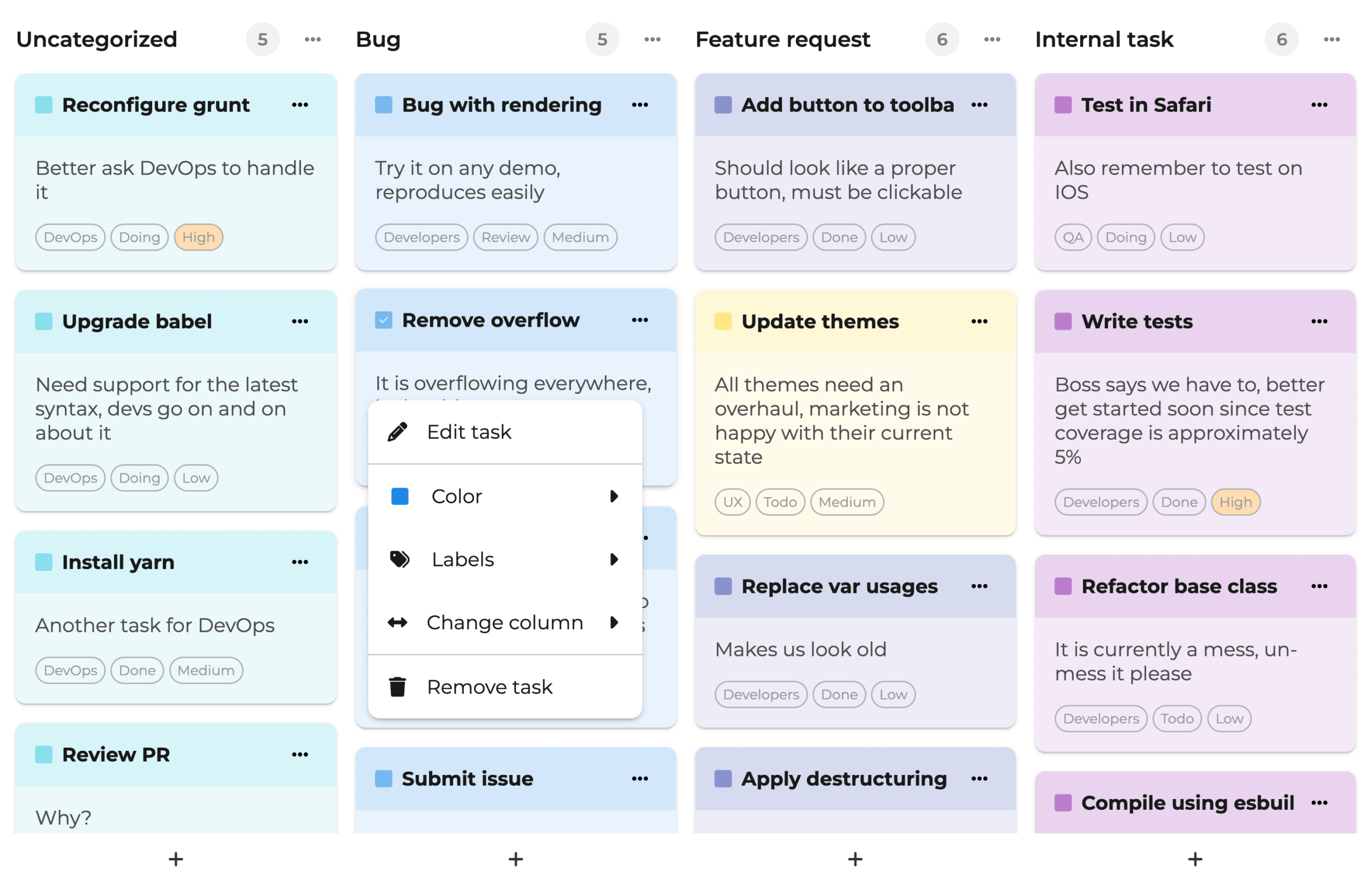
Cut down on user admin with the Task Board’s welcoming, intuitive interactions:
- Confirm changes with confirmation dialogs
- Auto-scroll to any swimlane or column for fast navigation.
- Edit tasks in place with inline editing, or reach for the task editor and context menu options.
Great On Any Screen Size
Responsiveness sits at the heart of the Task Board. Filter out unneeded columns to keep the relevant details in view on small screens.
50+ Additional Widgets
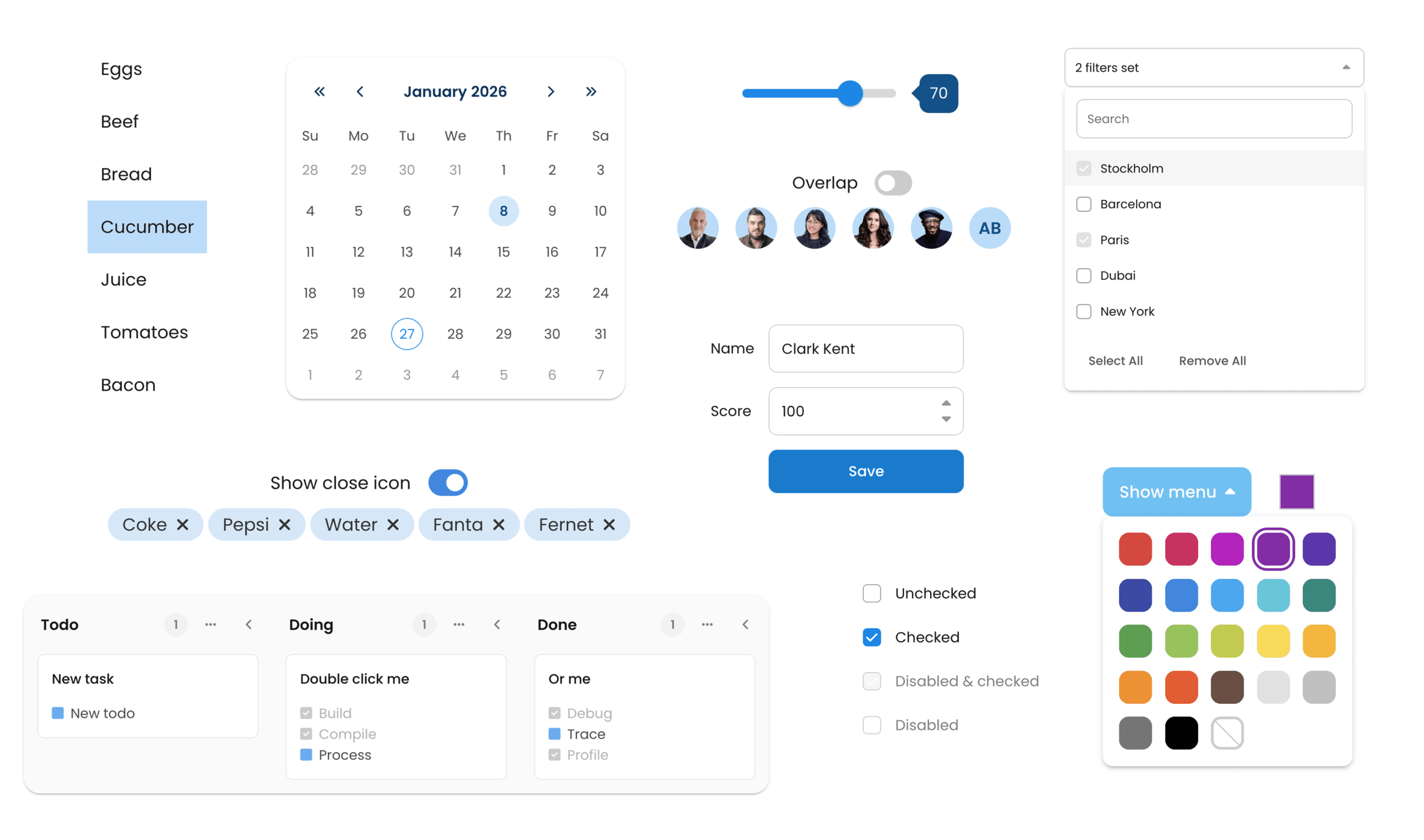
Pick from a broad set of UI elements that quickly give your app a polished, professional feel:
- Drop in lists, menus, toggles, sliders and more alongside the Bryntum Calendar.
- Cut clicks and searching to meet user needs faster.
- Wire up widgets straightforwardly via our clear docs.
Install via npm
Pull Bryntum Task Board straight from npm. No sign-in or auth needed. Install the trial, configure it, and you’re ready to build.