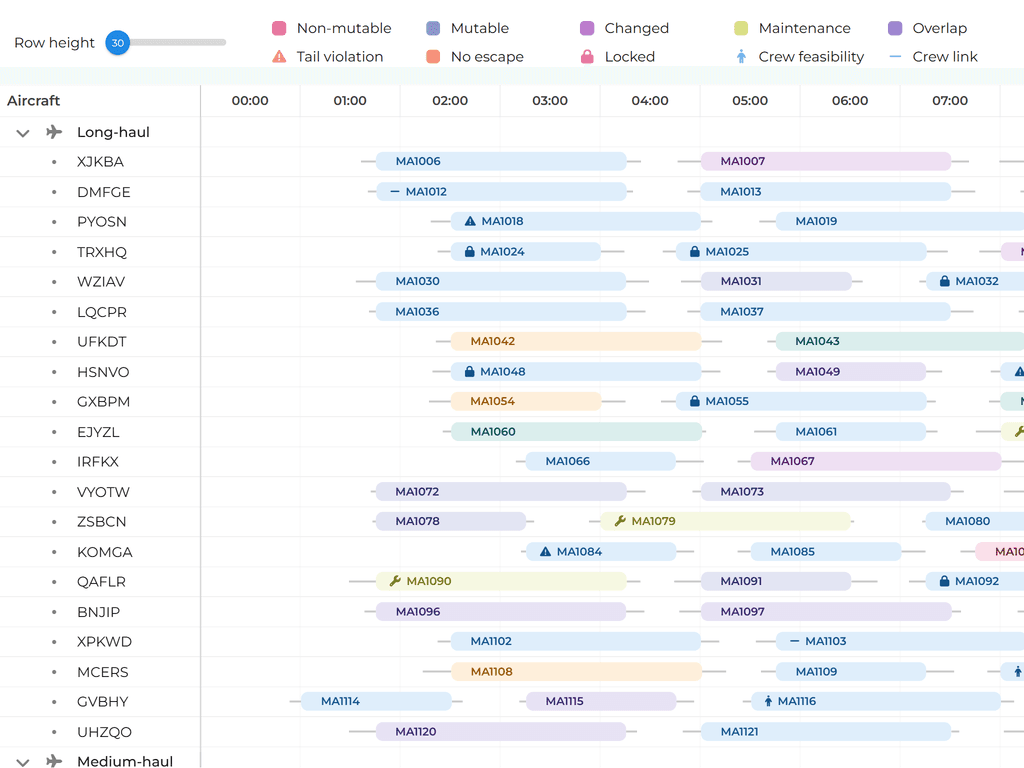
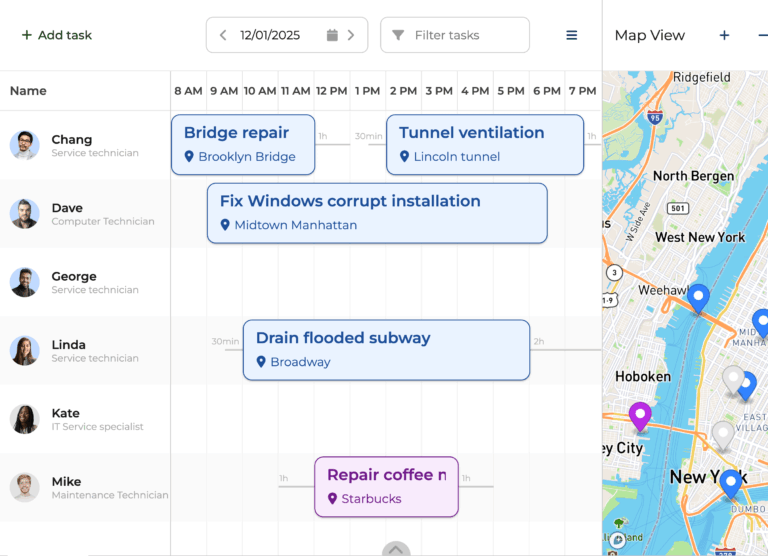
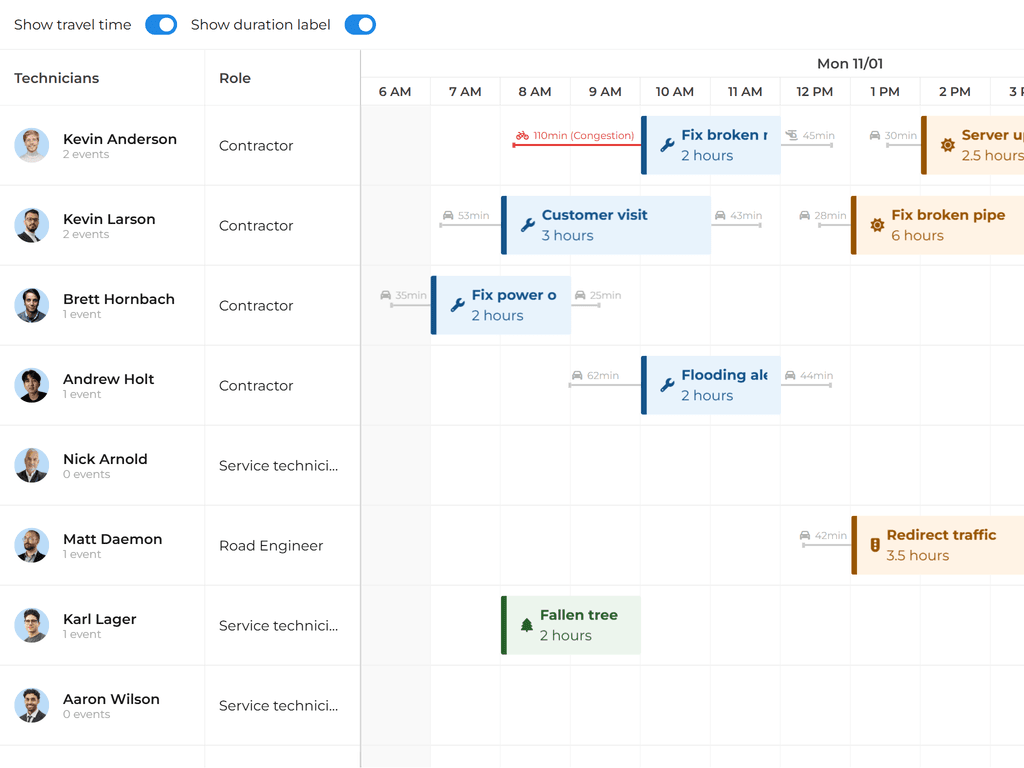
A Pro-Grade Scheduling Component
Bryntum Scheduler Pro is a JavaScript UI component built for precise planning. It accounts for resource availability, dependencies and constraints out of the box.


Your JavaScript stack just expanded
Since our 2025 partnership with Bryntum, Bryntum Scheduler Pro sits alongside AG Grid for dependency-aware scheduling and resource planning, crafted by a similar team and held to the same bar.
Link Up Your Tasks
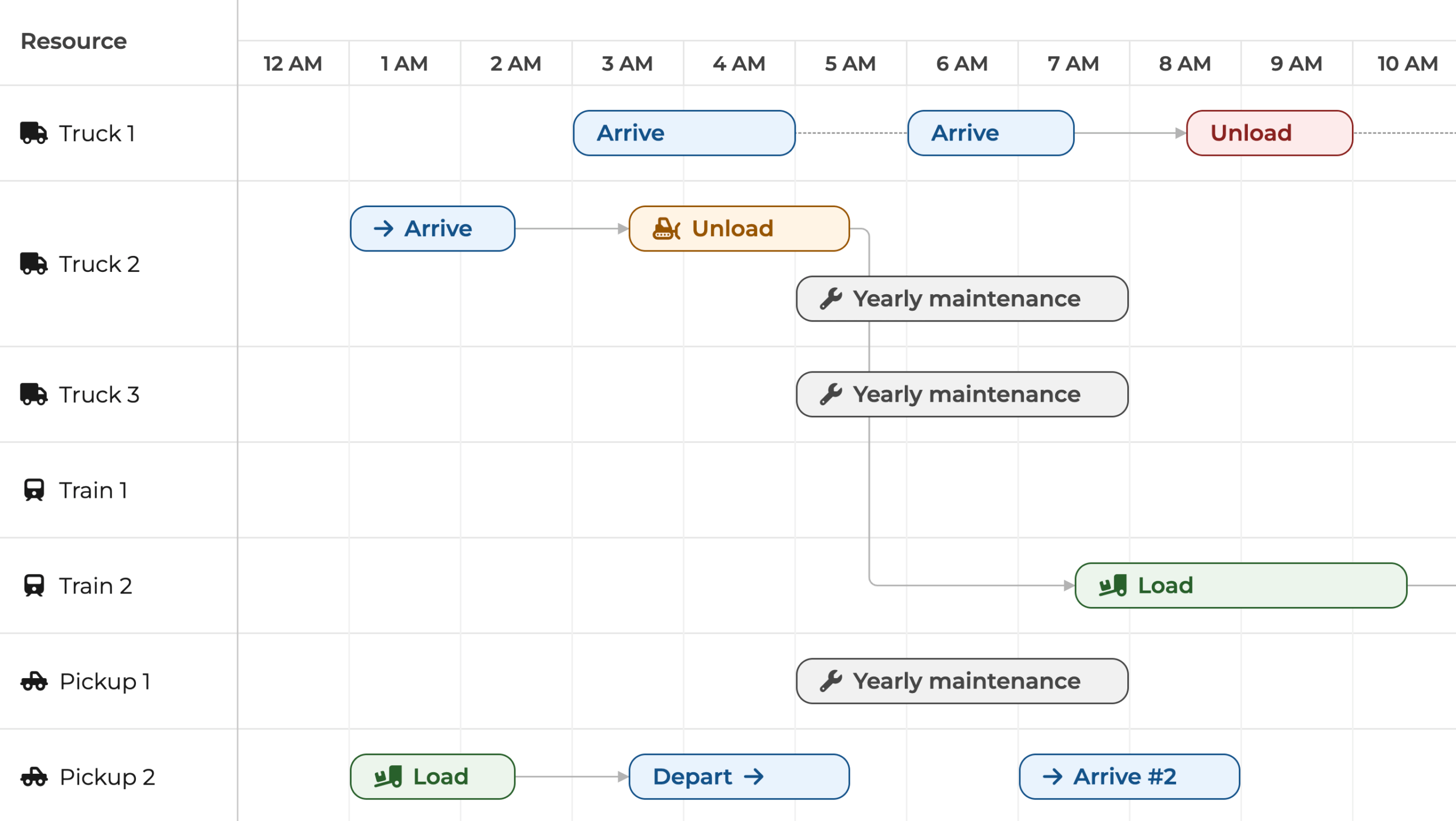
Once your tasks and dependencies are set, the pro-grade scheduling engine handles the rest by:
- Arranging tasks based on how they relate and on the rules you’ve set.
- Auto-shifting downstream tasks whenever you move a leading task.
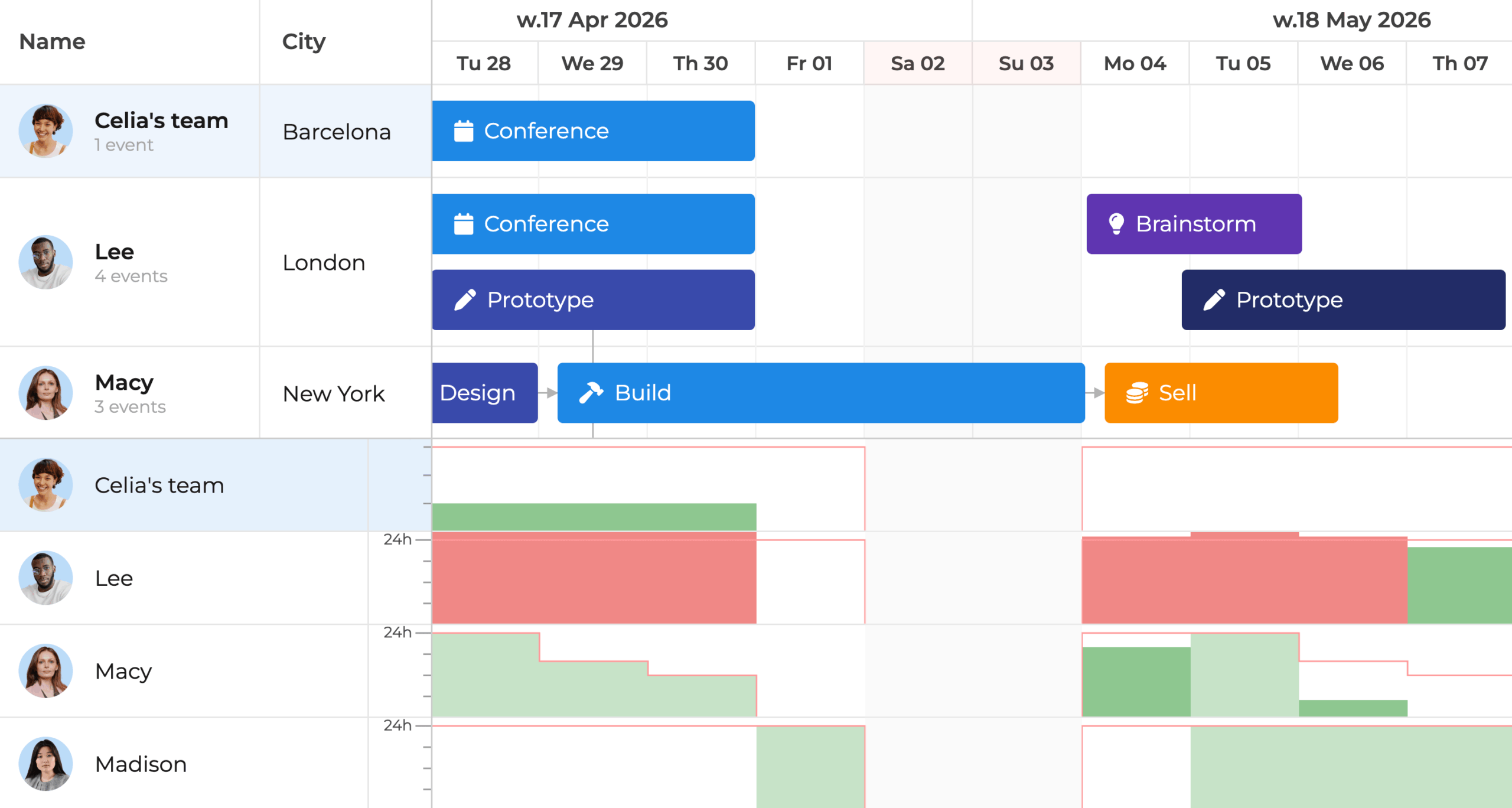
Don’t Over-Allocate Your Resources
Track your team’s workload with a built-in histogram so you can decide faster and more fairly.
- Bright red highlights make over-capacity workloads obvious at a glance. No digging through tables or reports.
- Tweak task assignments to keep the plan balanced.
Assign Tasks by Skill
Let Scheduler Pro handle the logic behind the scenes so planning stays efficient:
- Match the right tasks with the right people without fuss.
- Pair tasks with teammates based on skills and availability.
- Auto-schedule tasks or drag them into suggested time slots.
Adaptive, Smarter Planning
Plan with confidence for real-world conditions:
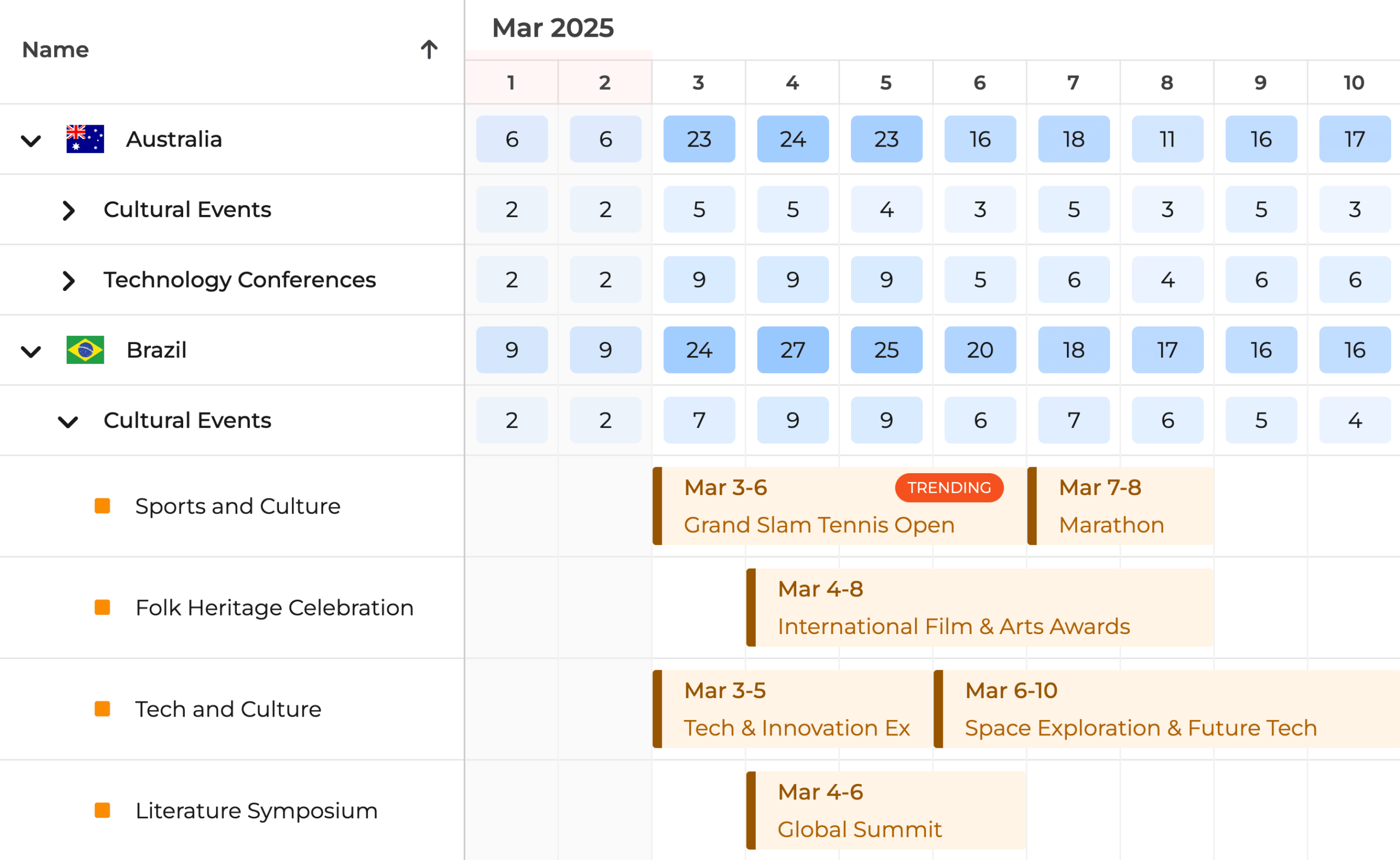
- Spot peak activity windows and overloaded categories via the heatmap.
- Lean on nested events to make related-task handling simpler.
- Factor travel time in for tighter callout and field-routing planning.
- Settle scheduling conflicts and keep the schedule intact.
Set Up Resource Shifts
Define availability for each resource and watch the schedule honour shifts in real time, powered by the live Bryntum Scheduler Pro engine below.
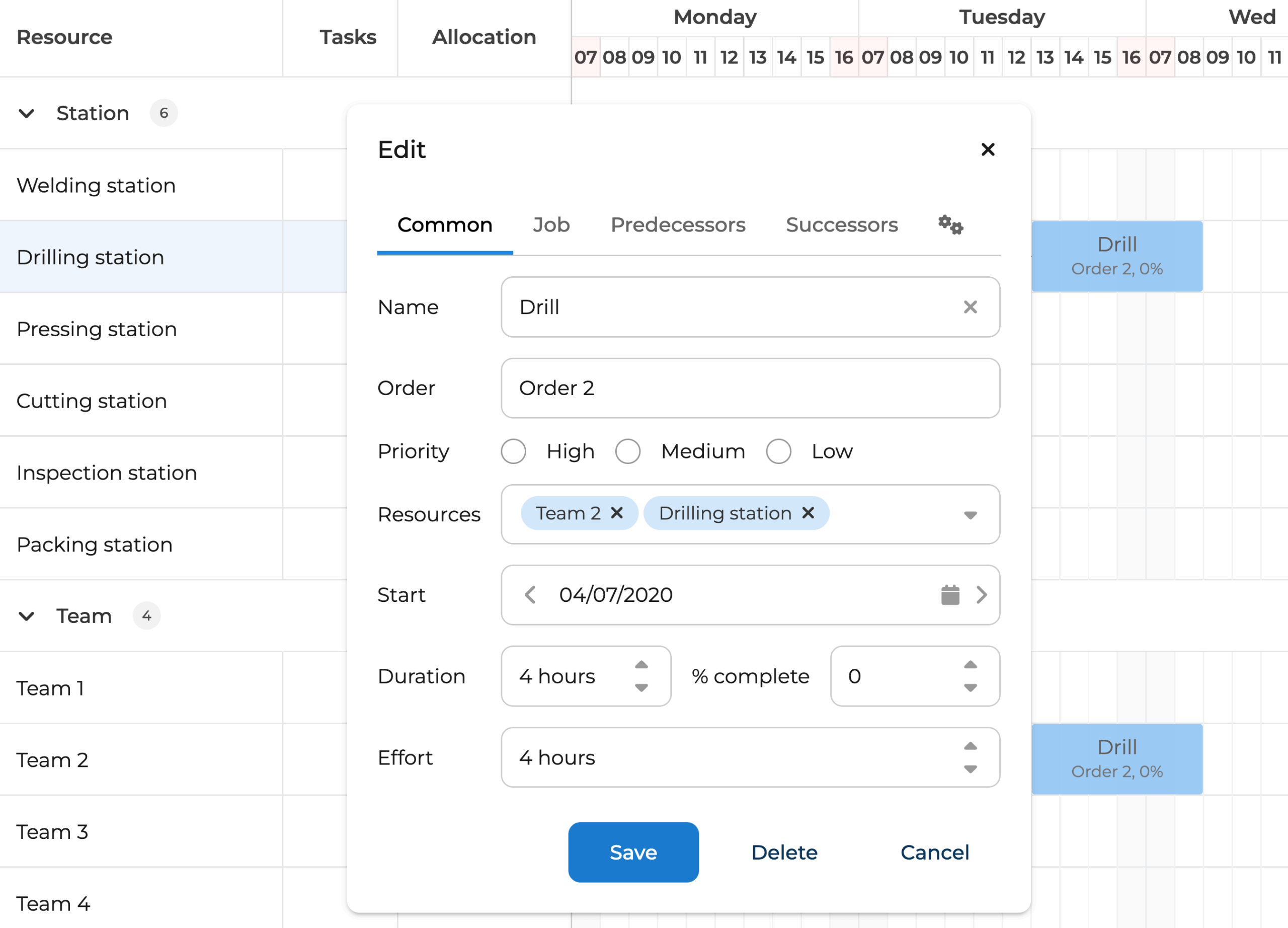
Tailor Task Editing
Bryntum Scheduler Pro also ships with a capable, customisable task editor:
- Tweak any built-in field and bring your own.
- Edit predecessors, successors and constraints.
- Show or hide any of the preconfigured fields.
- Create and edit multiple calendars.
- Apply changes live, then roll them back if needed.
Style It However You Like
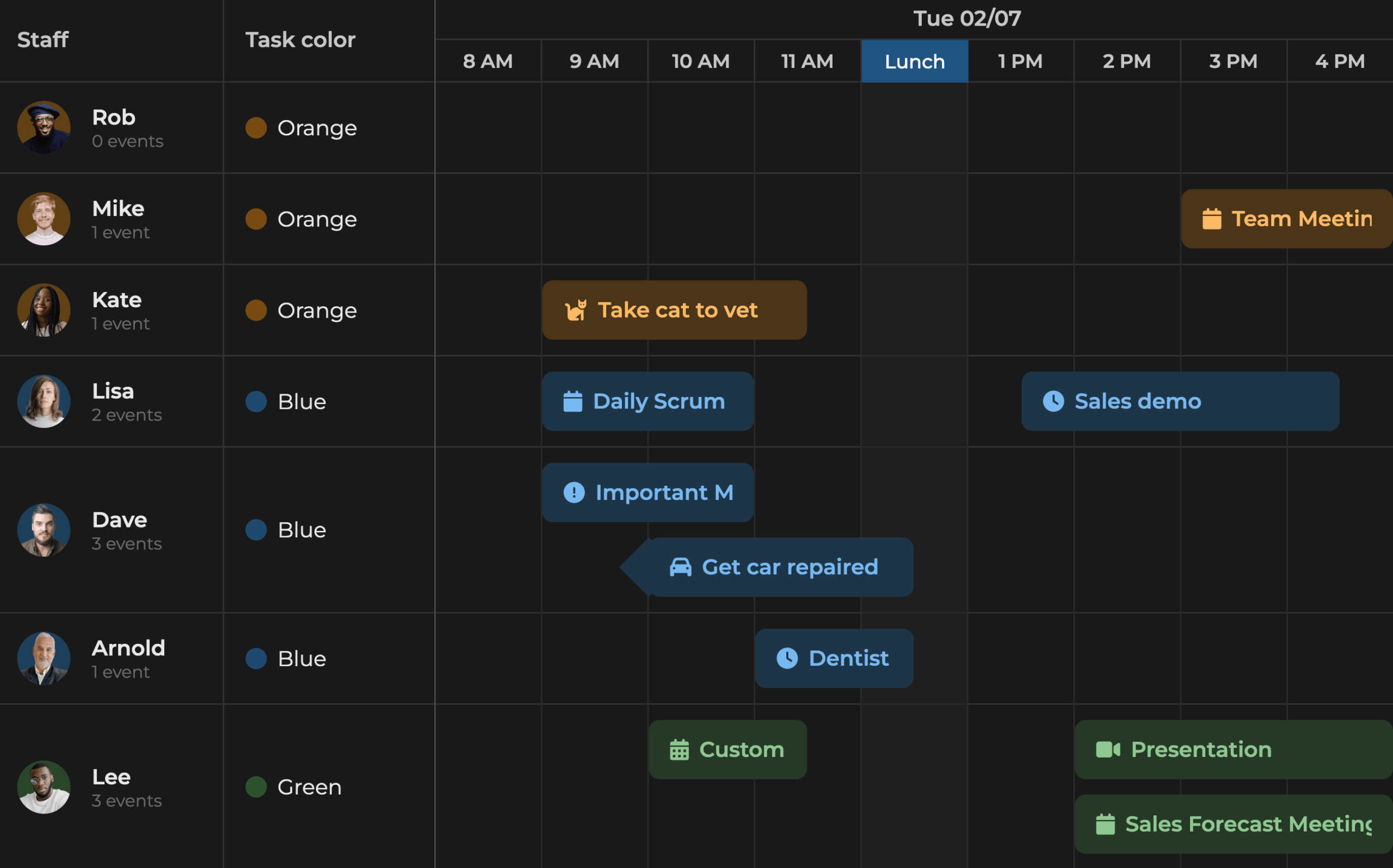
Make the scheduler feel on-brand with flexible styling controls.
- Adjust our built-in themes via CSS variables, no fuss.
- Roll your own custom theme.
- Pick from preconfigured taskbar styles and colour sets.
50+ Additional Widgets
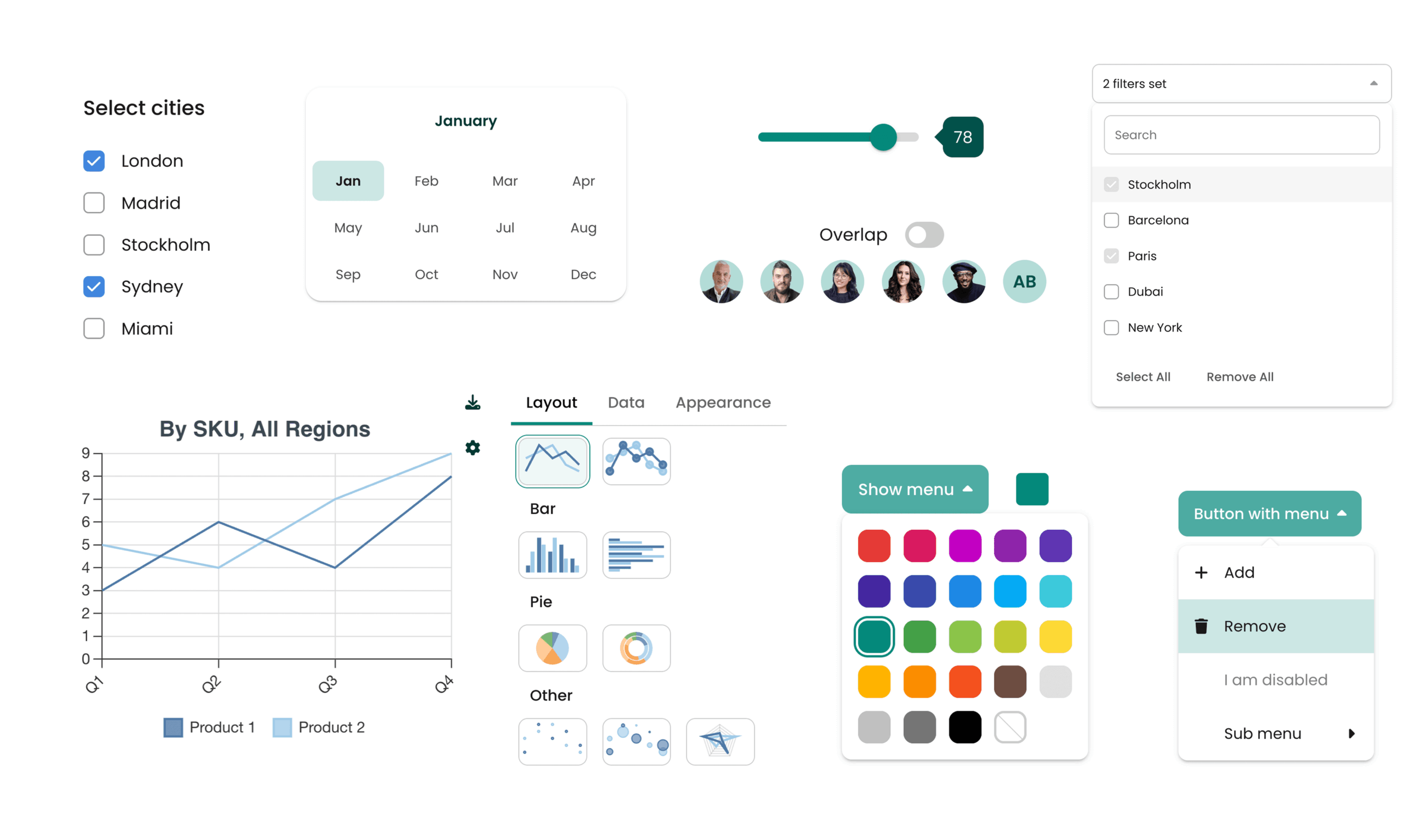
Pick from a broad set of UI elements that quickly give your app a polished, professional feel:
- Drop in buttons, menus, toggles, charts and more alongside Bryntum Scheduler Pro.
- Cut clicks and searching to meet user needs faster.
- Wire up widgets straightforwardly via our clear docs.
Install via npm
Pull Bryntum Scheduler Pro straight from npm. No sign-in or auth needed. Install the trial, configure it, and you’re ready to build.