Your JavaScript stack just expanded
Since our 2025 partnership with Bryntum, Bryntum Calendar sits alongside AG Grid for event-driven calendar UIs, crafted by a similar team and held to the same bar.
Why pick a JavaScript event Calendar?
Built on JavaScript, a foundational web technology, the calendar component drops into existing applications with a ready-to-wire-up set of interactive features.
Picking the Bryntum JavaScript Calendar gives your users a thoughtfully designed and high-performing calendar that has been thoroughly tested and battle-proven in production apps.
Capable and Flexible
Written in modern JavaScript (ES6+), the Bryntum Calendar runs lean and embeds without fuss. You get:
- Snappy performance, even on huge datasets.
- One-click exports to Excel, ICS and print formats.
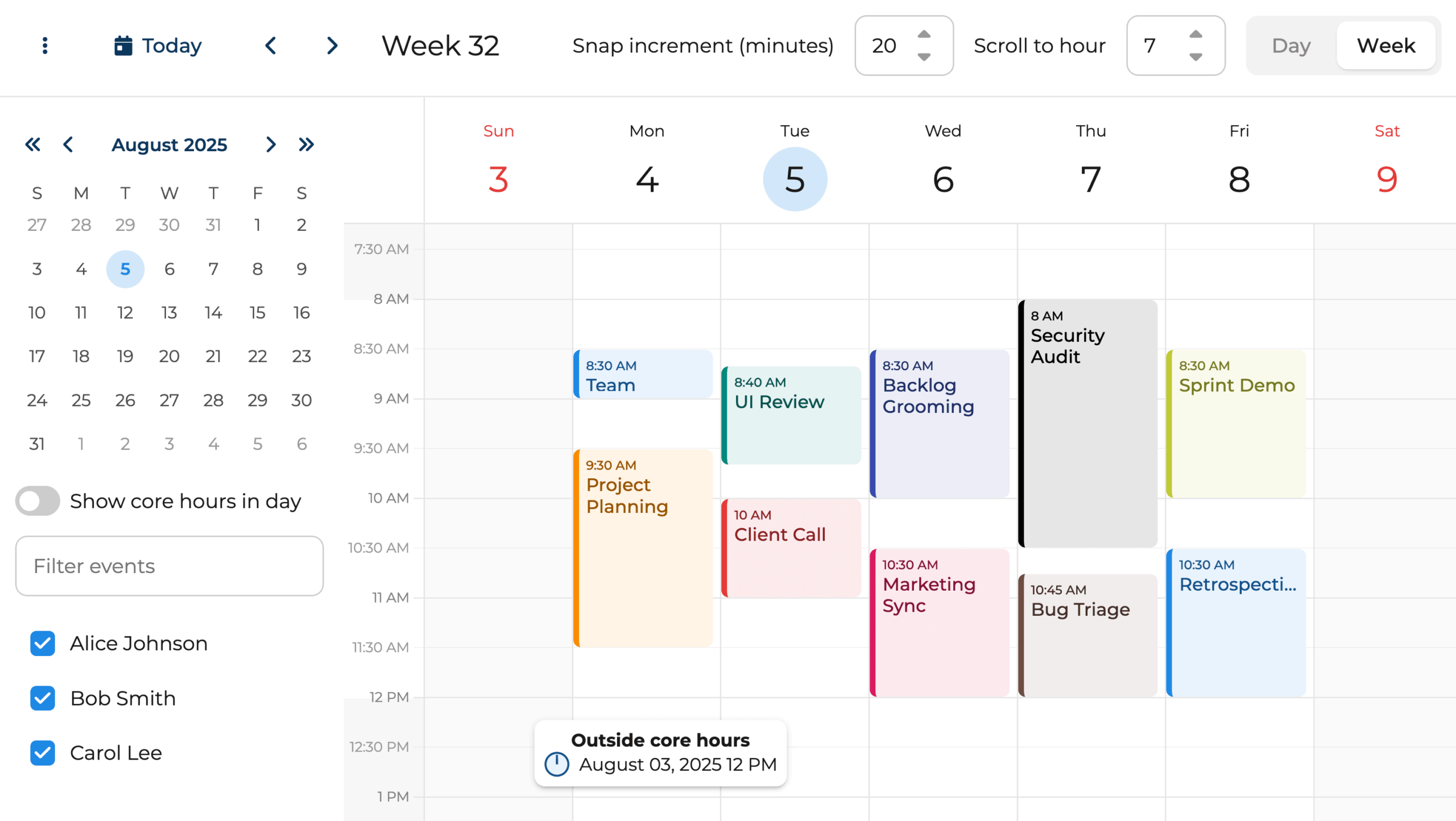
- Tunable date and time settings: begin days at 6 PM or slice time into six-minute intervals.
Several Layouts
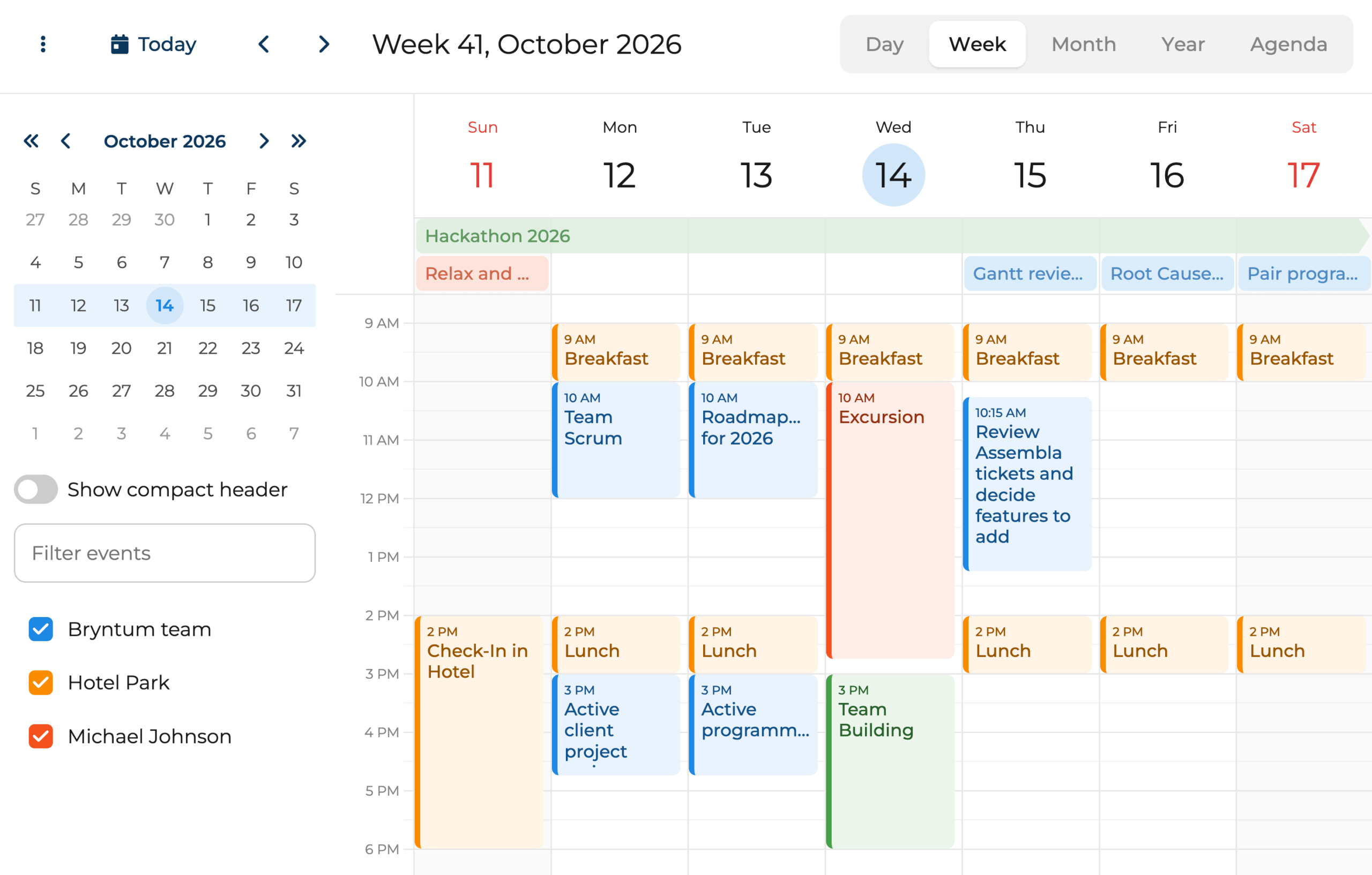
Flip between layouts to see tasks from a few angles. The Bryntum Calendar offers several views, including:
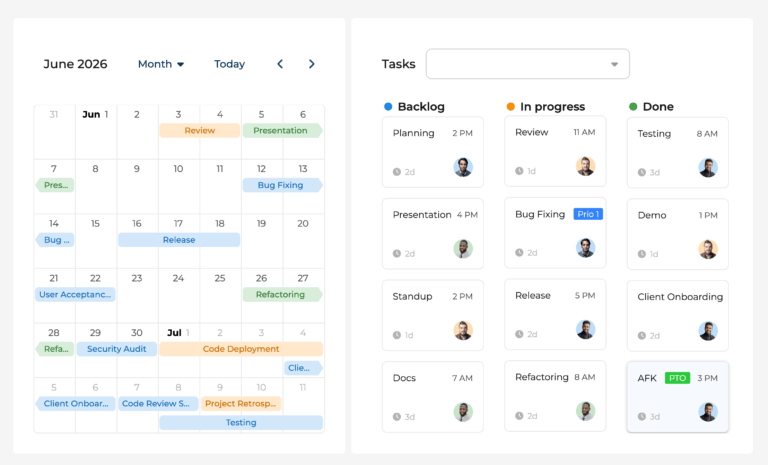
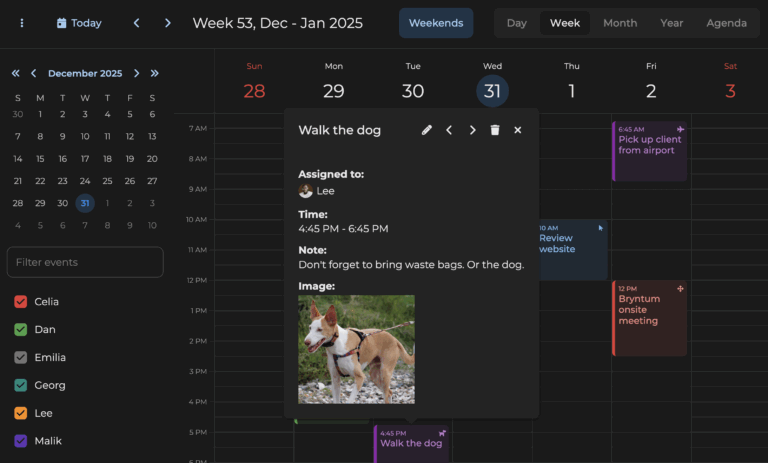
- Day, Week, Month, Year and Agenda layouts
- Day Agenda, Grid layouts
- Dual-Day layout
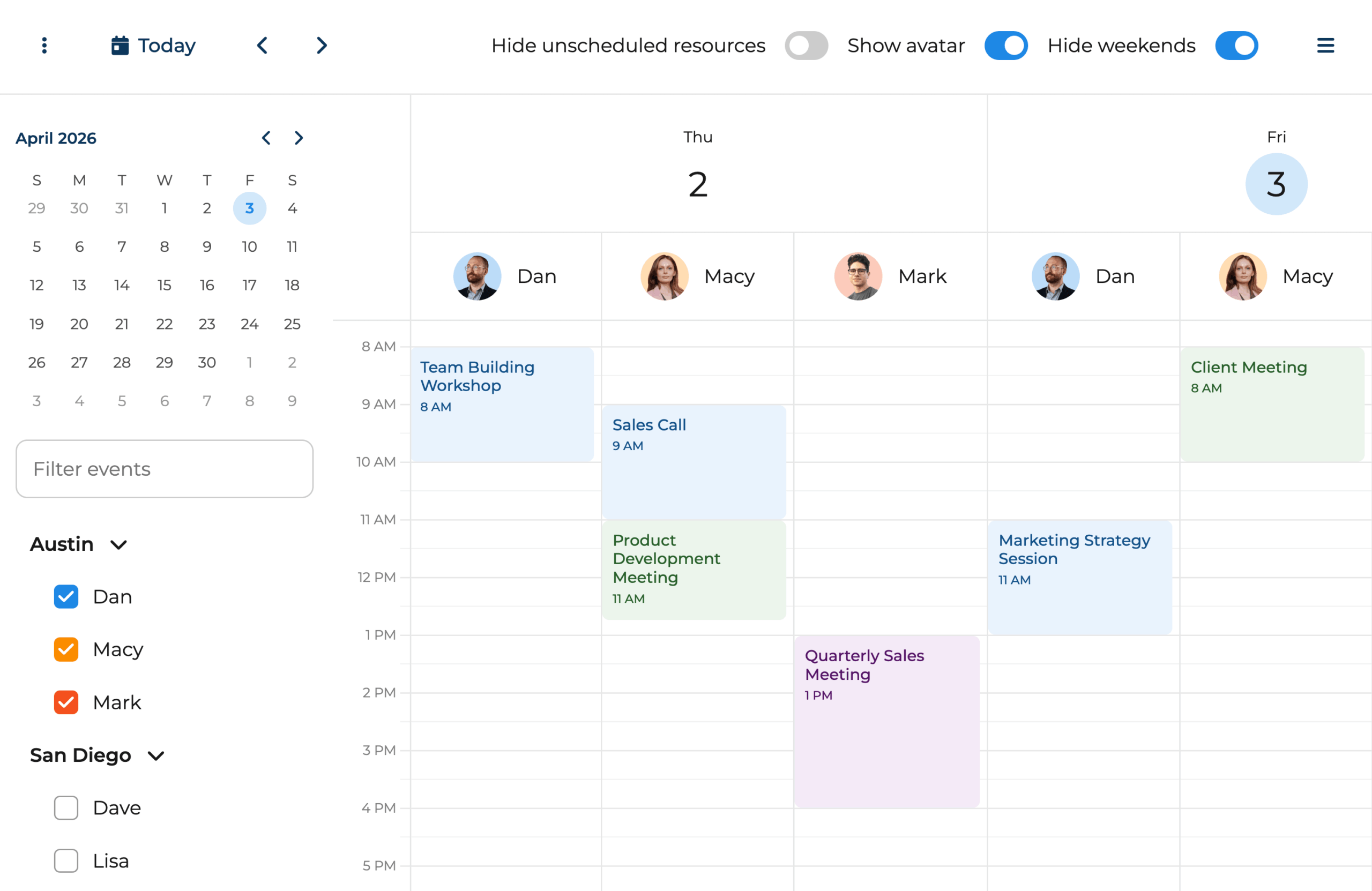
Resource-First Layout
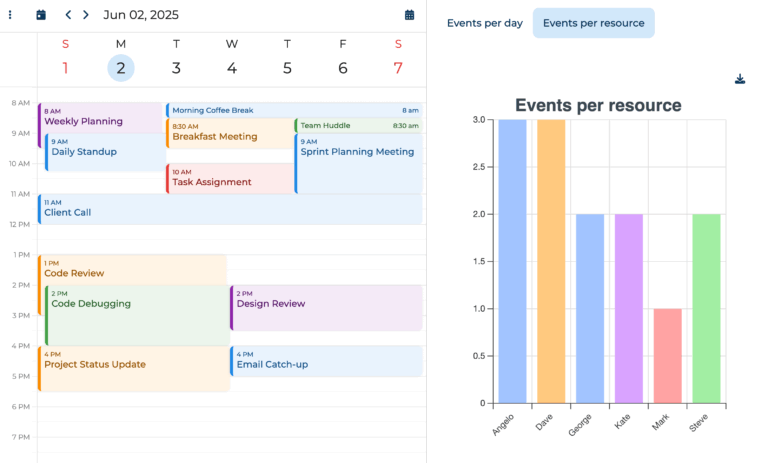
Keep an eye on every teammate’s events at a glance:
- Spot whose events you’re looking at right away, thanks to friendly avatars in the header.
- Drag and drop events to reassign them in a beat.
- Enjoy a tidy, welcoming layout.
Have a play yourself
The calendar handles recurring tasks out of the box. Repeat tasks on any cadence you need – daily, weekly, monthly or yearly.
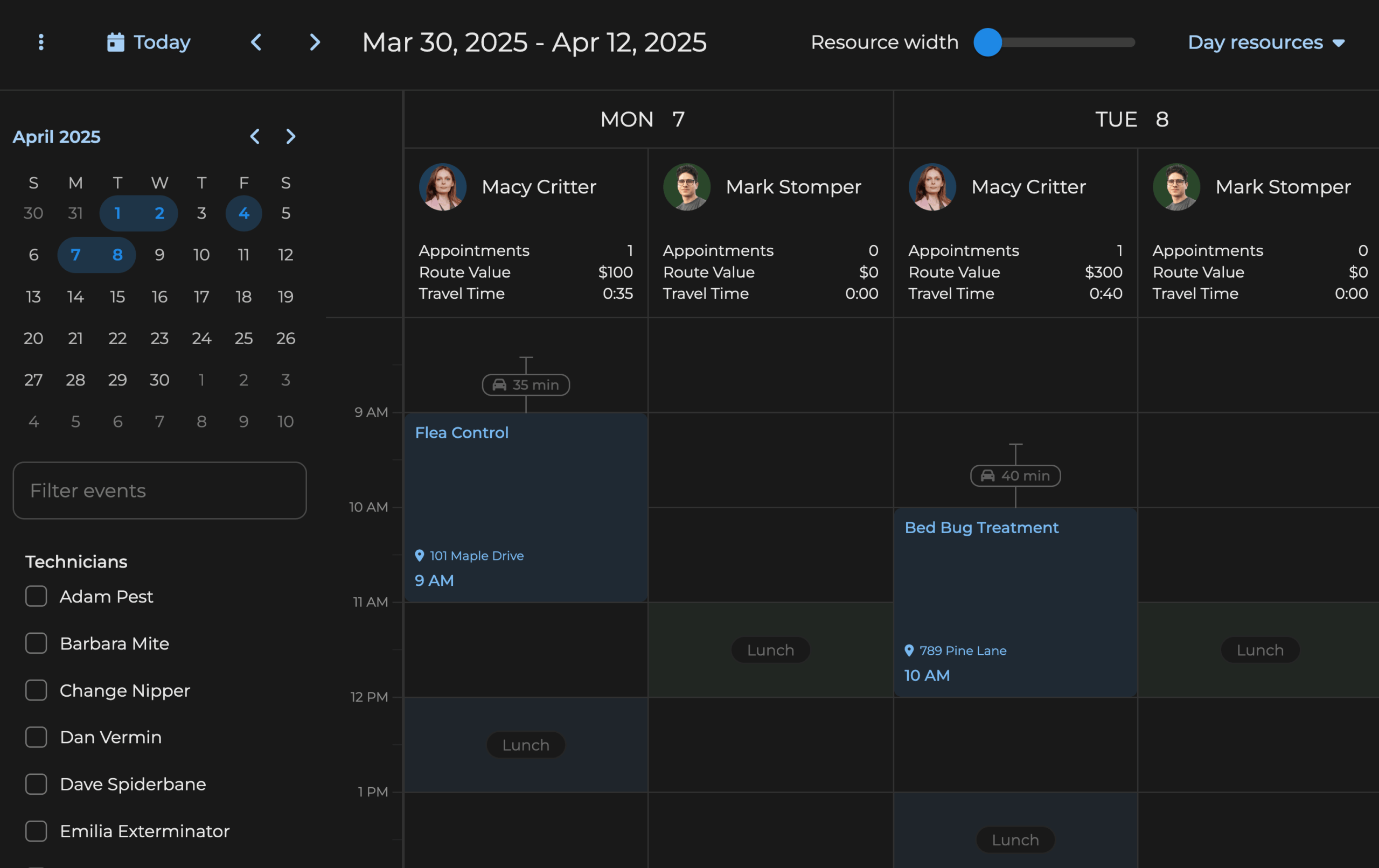
Fully Tailorable
The Bryntum Calendar is themed with CSS variables, so you can tweak its appearance to taste.
- Pick one of our themes or roll your own.
- Adjust the rendering of events, headings and more.
- Reflow the UI for mobile devices with layouts that respond to any screen size.
- Drop links and buttons into tailored tooltips.
- Customise the event editor, context menu and sidebar.
A Calendar Built for Serious Planning
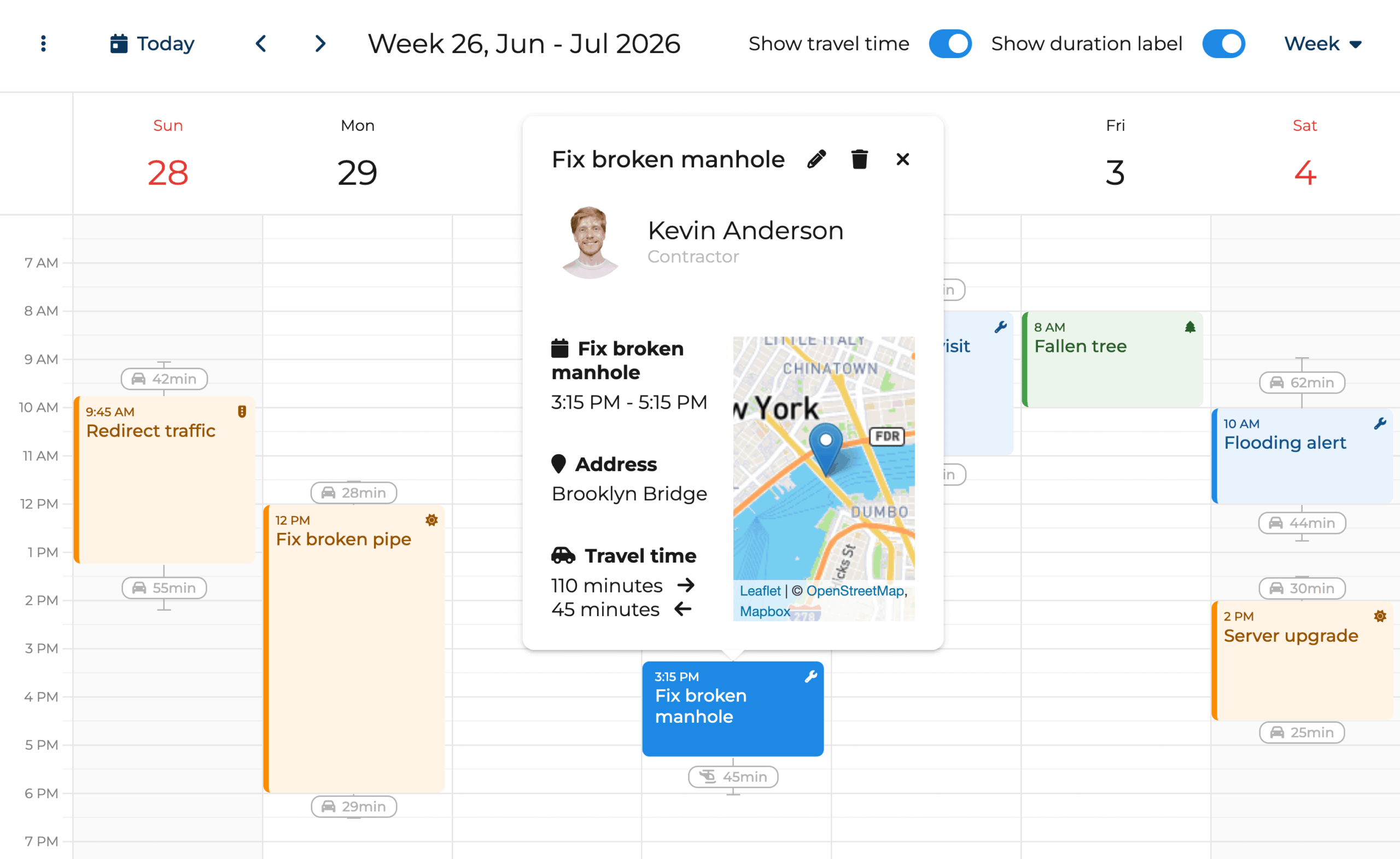
The Bryntum Calendar packs distinctive features that boost your team’s productivity:
- Show travel time for grounded, real-world planning.
- Monitor workload via the capacity tick renderer.
- Jump between linked resource calendars.
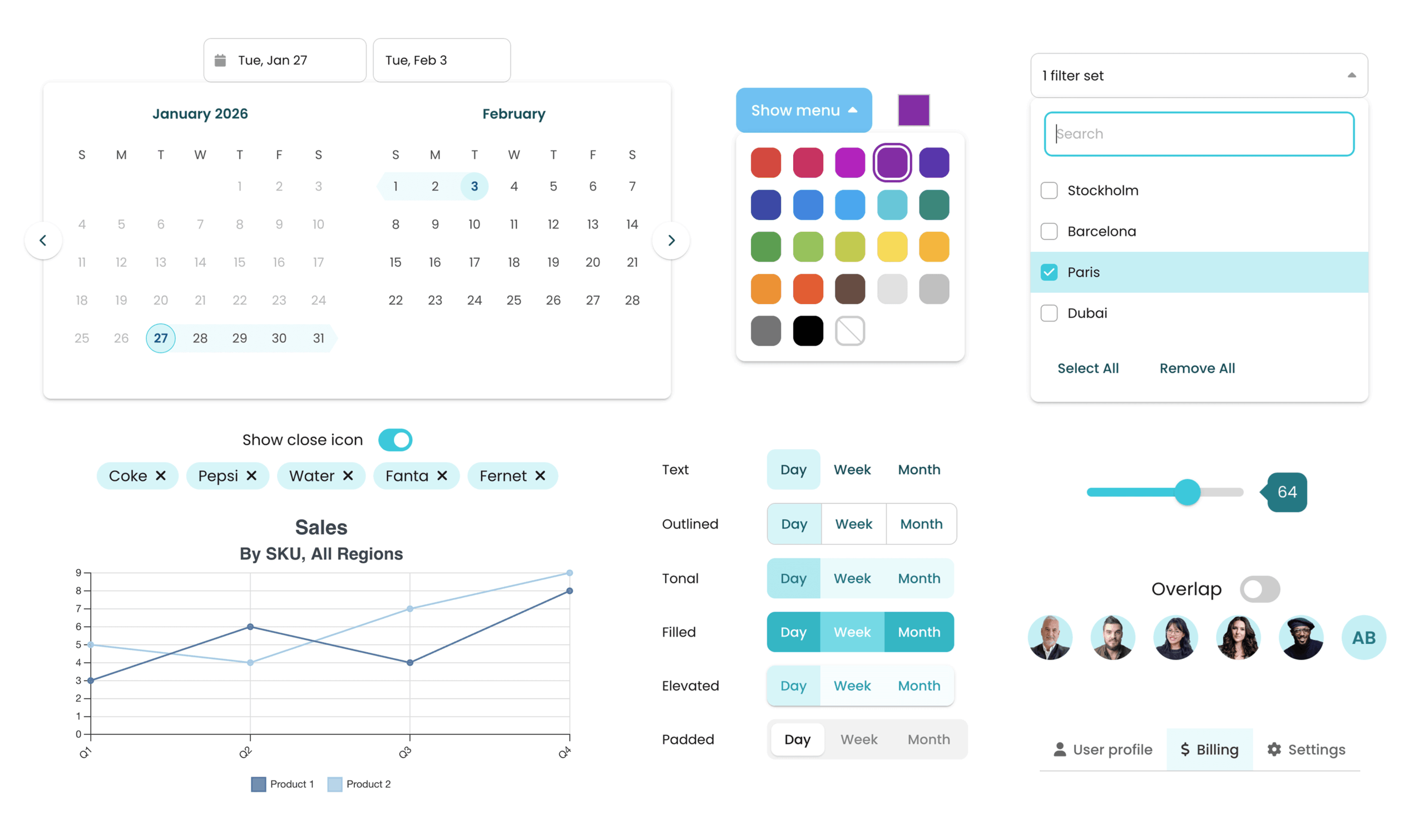
50+ Additional Widgets
Pick from a broad set of UI components that quickly give your app a polished, professional feel:
- Drop in ready-made menus, toggles, sliders, charts and more alongside the Bryntum Calendar.
- Cut clicks and searching to meet user needs faster.
- Wire up and style widgets straightforwardly via our clear docs.
Install via npm
Pull Bryntum Calendar straight from npm. No sign-in or auth needed. Install the trial, configure it, and you’re ready to build.