React Table
Fast, Powerful and Flexible React Tables
Add high-performance, feature rich, and fully customisable React Data Tables to your application in minutes, all for free.
Why Use AG Grid to Build React Tables?
Amazingly Fast and Fully Customisable with an Unbeatable Feature Set
Get started in minutes and access 1000s of features without compromising on performance. Customise your React Table with your own styles and components or upgrade to enterprise to use our advanced features.
Build
Get Started in Minutes
Add a React Table with less than 20 lines of code. Choose a theme, add your data, and define your column structure. View the Quick Start to learn more.Handle Millions of Cells
Easily handle millions of rows with our Client-Side Row Model or upgrade to enterprise for Infinite Scrolling with our Server-Side Row Model.100s of Features
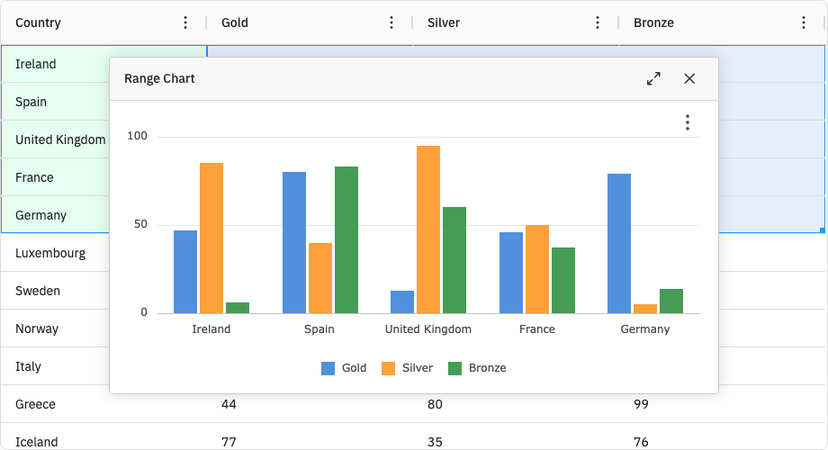
Enable complex features with single properties, including: Sorting, Filtering, Cell Editing, CSV Export, Pagination, Row Selection, and Accessibility.Copyconst GridExample = () => {
const [rowData, setRowData] = getRowDataJson();
const [colDefs, setColDefs] = useState<ColDef<IRow>[]>([
{ field: "make" },
{ field: "model" },
{ field: "price" }
]);
return (
<div className={"ag-theme-quartz-dark"}>
<AgGridReact rowData={rowData} columnDefs={colDefs} />
</div>
);
}

Who Builds React Tables with AG Grid?
Loved By Developers
Trusted By The Worlds Largest Enterprises
Over 90% of the Fortune 500 build React Tables using AG Grid, with 1,000,000+ npm downloads per week and over 12,000 Stars on Github.
There are a lot of component-based table libraries out there, but I believe AG Grid is the gold standard and is by far my favourite. AG Grid is perfect for building Enterprise Applications.
 Tanner LinsleyCreator
 TanStack
I've been impressed with AG Grid. Not only is it incredibly feature-rich, but it also leverages your framework of choice to do its rendering. This means seamless extensibility and a real way to leverage the framework's strengths. And for SolidJS that's a game changer.
 Ryan CarniatoCreator
 SolidJS
If your application needs to display large amounts of data, we recommend AG Grid. Not only is it highly customizable and extensible, it’s also the fastest JavaScript grid on the planet.
 Brian LoveExpert at
 Google Developers
How Do I Build a React Table with AG Grid?
Get Started with React Table Examples
We have a range of examples, tutorials and documentation to help you start building your first React Table with AG Grid.
Quick Start
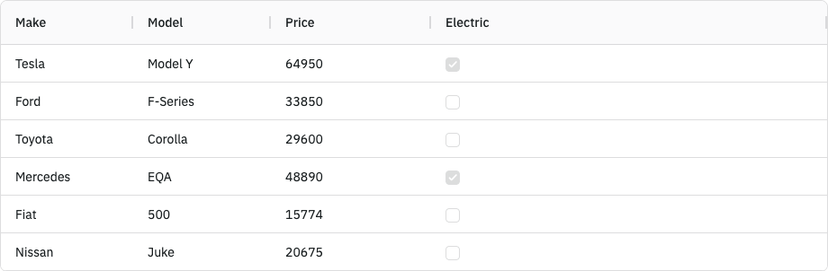
Create your first React Table and learn the basics in just a few minutes.
Beginner Tutorial
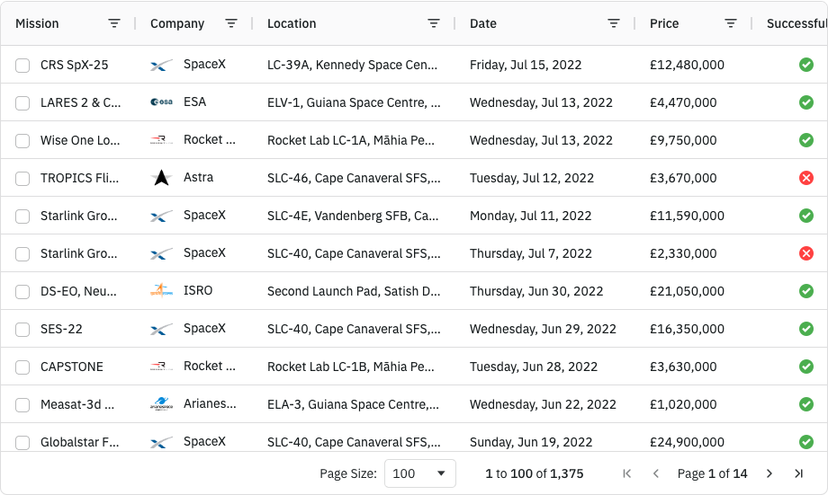
Learn key concepts by building a React Table with common functionality & customisations.
Custom Styles
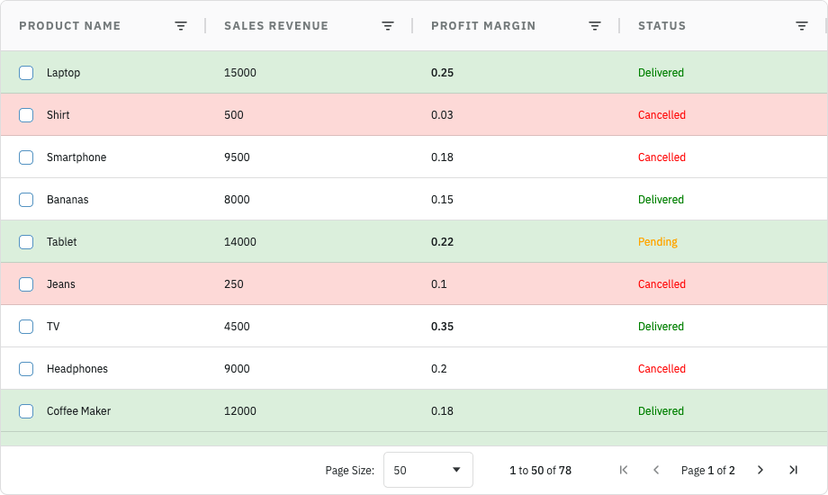
Customise your React Table using CSS variables to create a unique theme for your brand.